06-2
xx%
Plant Screen Icons
Plant Icons
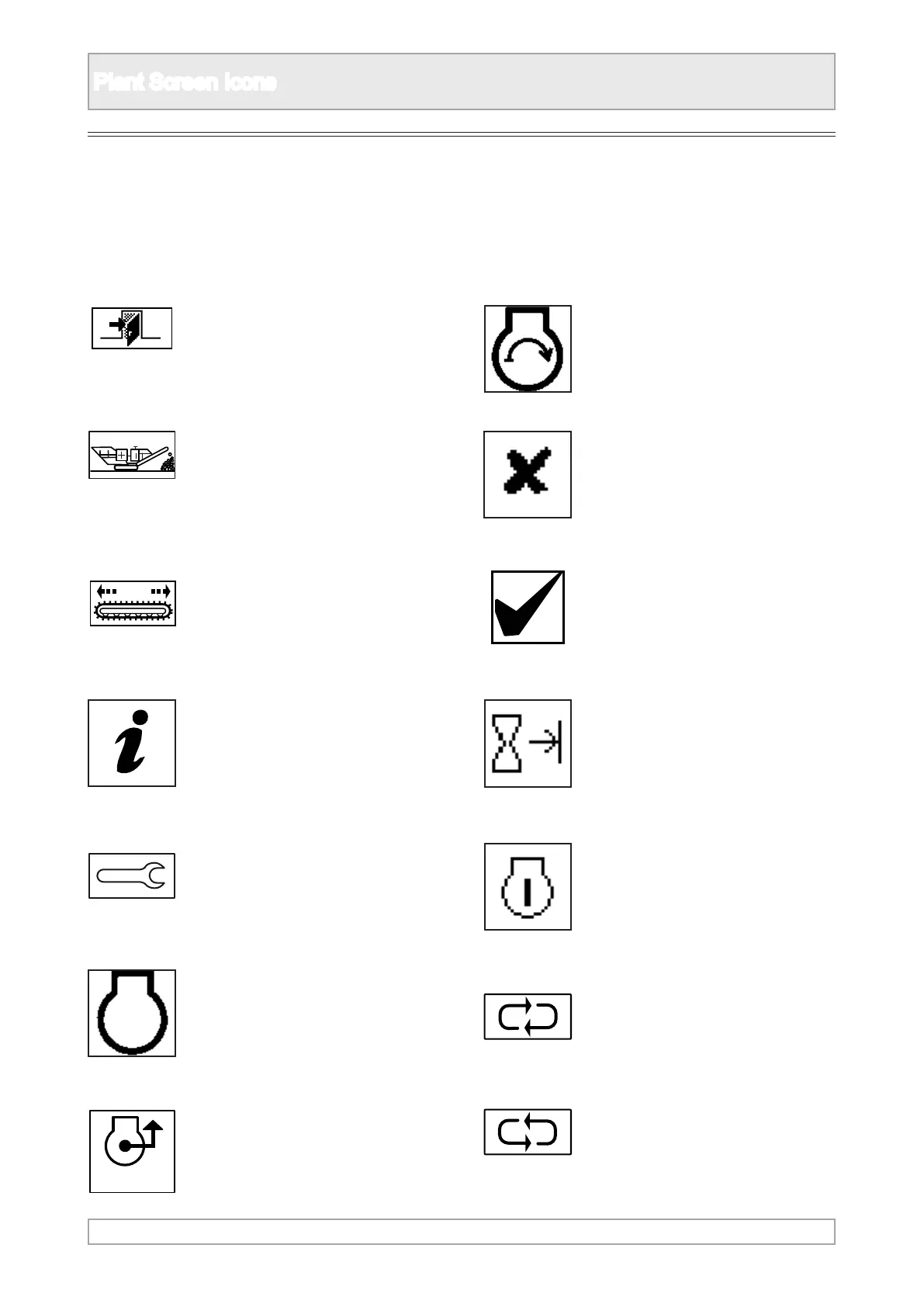
4. Escape back to previous display
screen page.
5. Plant mode for crushing
operations.
6. Track mode to move the plant
using the track controls.
7. Information about the plant and
conguration settings.
8. Set up mode to make
adjustments to the plant for
crushing or for transport.
9. Engine speed display.
10. Engine load display.
11. Engine start up.
12. When positioned next to icon,
that item is not operating.
13. When positioned next to icon,
that item is operating.
14. Engine operating hours.
15. Number of times the engine
has been started.
16. Scroll to highlight the next
icon or plant component in a
clockwise direction.
17. Scroll to highlight the next icon
or plant component in an anti-
clockwise direction.
1. This section provides a general reference and
explanation of icons used.
2. Not all icons are used on all plants.
3. For explanation of specic plant icons or
optional components icons, refer to individual
operation section of this manual.



 To Next Page