10-5
Powerscreen® XA750S
3
F1
4
4
4
F5F4
ok
13
5
5
F6
ok
EN
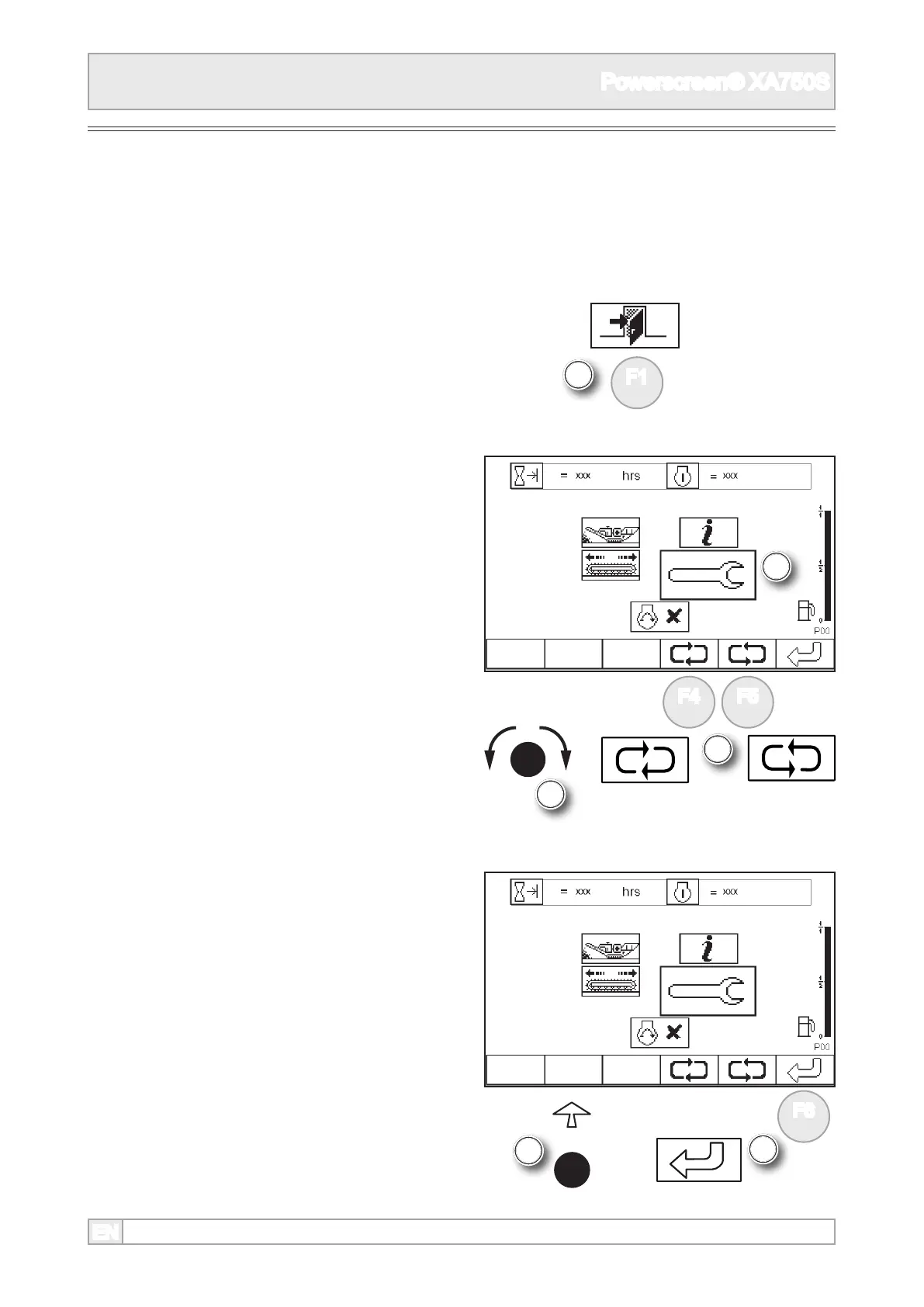
1. Start the engine, see engine starting.
2. The plant control screen will display the last
working screen in use.
4. Scroll to highlight set-up mode using ‘ok’ knob or
function buttons.
Product Conveyor
3. The plant preparation can only be undertaken
in set-up mode P20. If the plant is not in this
mode, return to screen display P00 by pressing
function button as required.
5. Select set-up mode by either pressing ‘ok’ or
function button.



 To Next Page