10-6
F4
6
7
Preparing to Move Plant
Upper Section
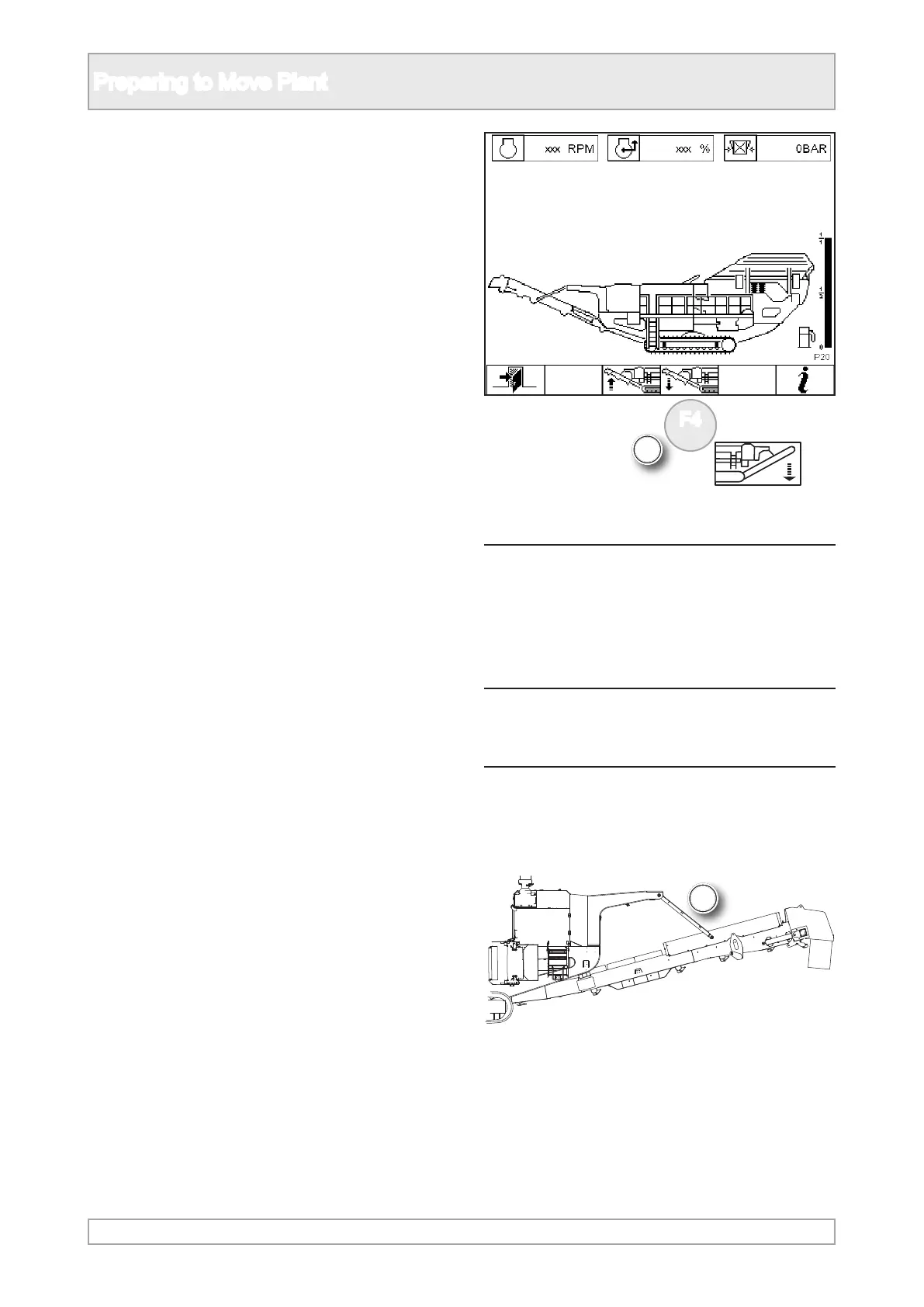
6. Press and hold the product conveyor lower
function button until conveyor is fully down for
transport.
NOTICES
After pressing a button there is a 3 second
delay, during which there is an audible
alarm and the button light ashes, before
any movement takes place.
When moving the conveyor ensure that
the hydraulic hoses and conveyor belt are
not entangled with any part of the plant.
7. Ensure that the product conveyor is in fully
lowered position with hydraulic cylinders at their
maximum extension.



 To Next Page