16-4
11
9
5
13
6
!
F1
F2
3
3
3
Emergency Stop
Testing Emergency Stops
n WARNING
Daily, before commencing crushing
operations, test each emergency stop
button is operative.
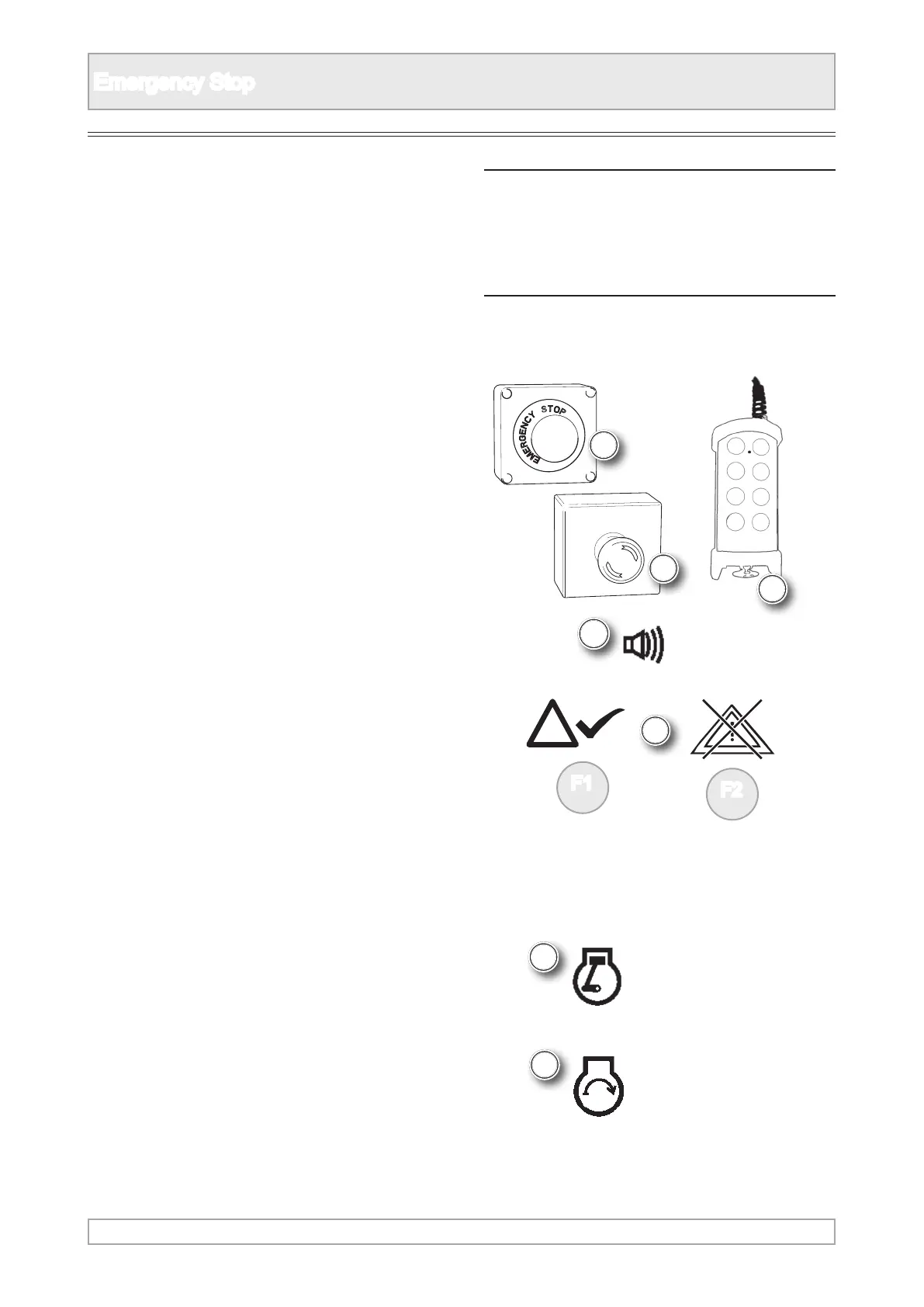
3. Push in an emergency stop on the machine or
umbilical control and the engine will stop.
4. Alarm messages are shown on machines with a
display.
5. The safety alarm will sound.
8. Turn the key o the 0 position.
2. Start the engine, see engine starting.
9. Turn ignition key to the rst position again.
10. Wait for the pre-start warning to complete.
6. Acknowledge the alarm.
11. Turn ignition key to start the engine again.
12. Repeat the process for all other emergency
stops.
7. Re-set the emergency stop by pulling or twisting,
depending on the type tted.
1. Observe all safety warnings.



 To Next Page