12-4
2
1
4
3
+
+
3
Moving the Machine [Fitted with ‘860’ controls]
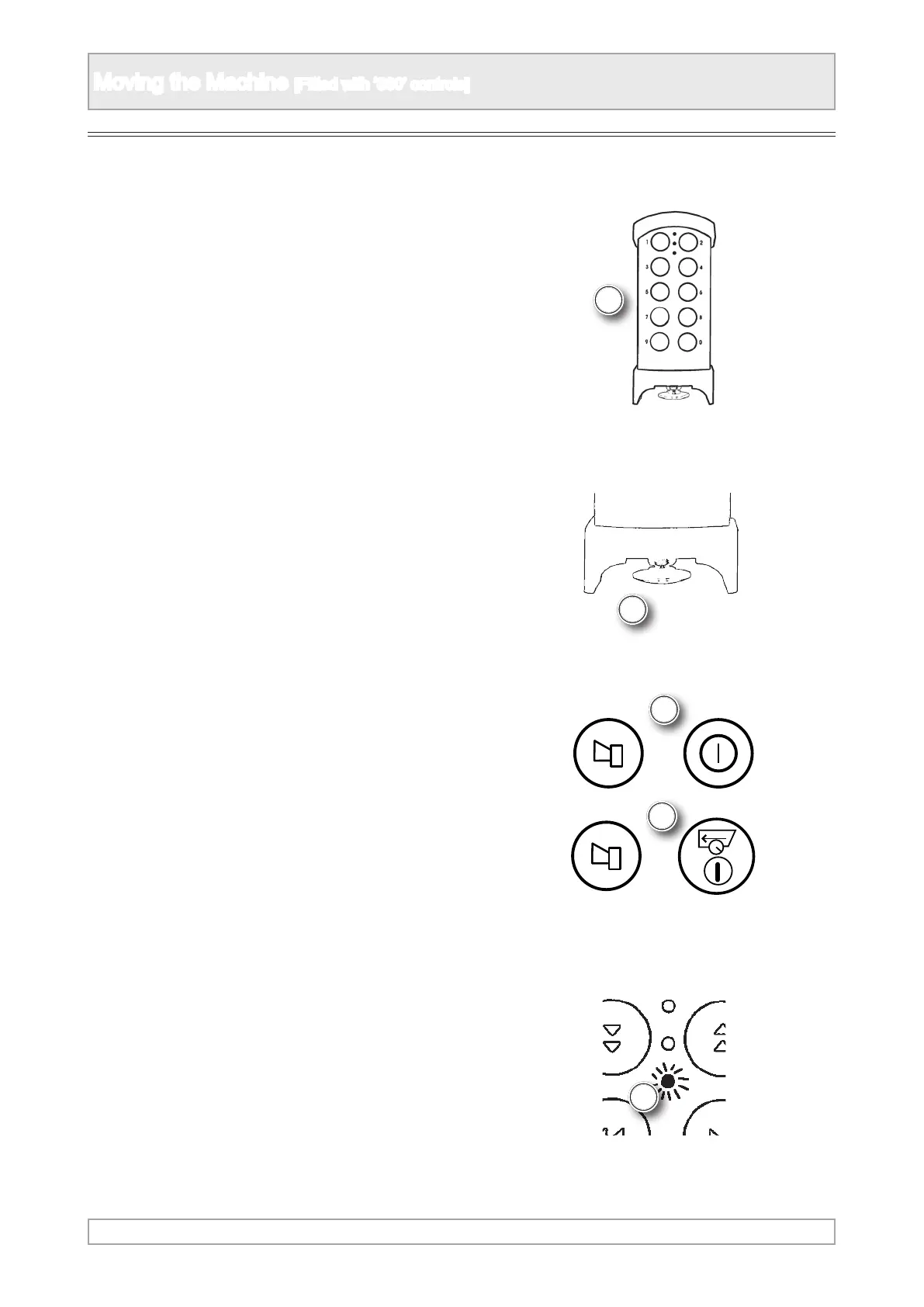
1. Take the radio remote control from the control
box
2. Hold the radio remote control with the stop
button nearest to the operator and switch it on
by pulling out the stop button.
3. Press both of the safety buttons at the same
time for at least 1 second and a red light will
illuminate. Release the safety buttons.
4. The red light will change colour to green when it
is ready for use.
Preparing Radio Control [if tted]



 To Next Page