06-3
0
1
MAXMIN
xxx
rpm
xxx
rpm
EN
Powerscreen Plants [Graphic displays]
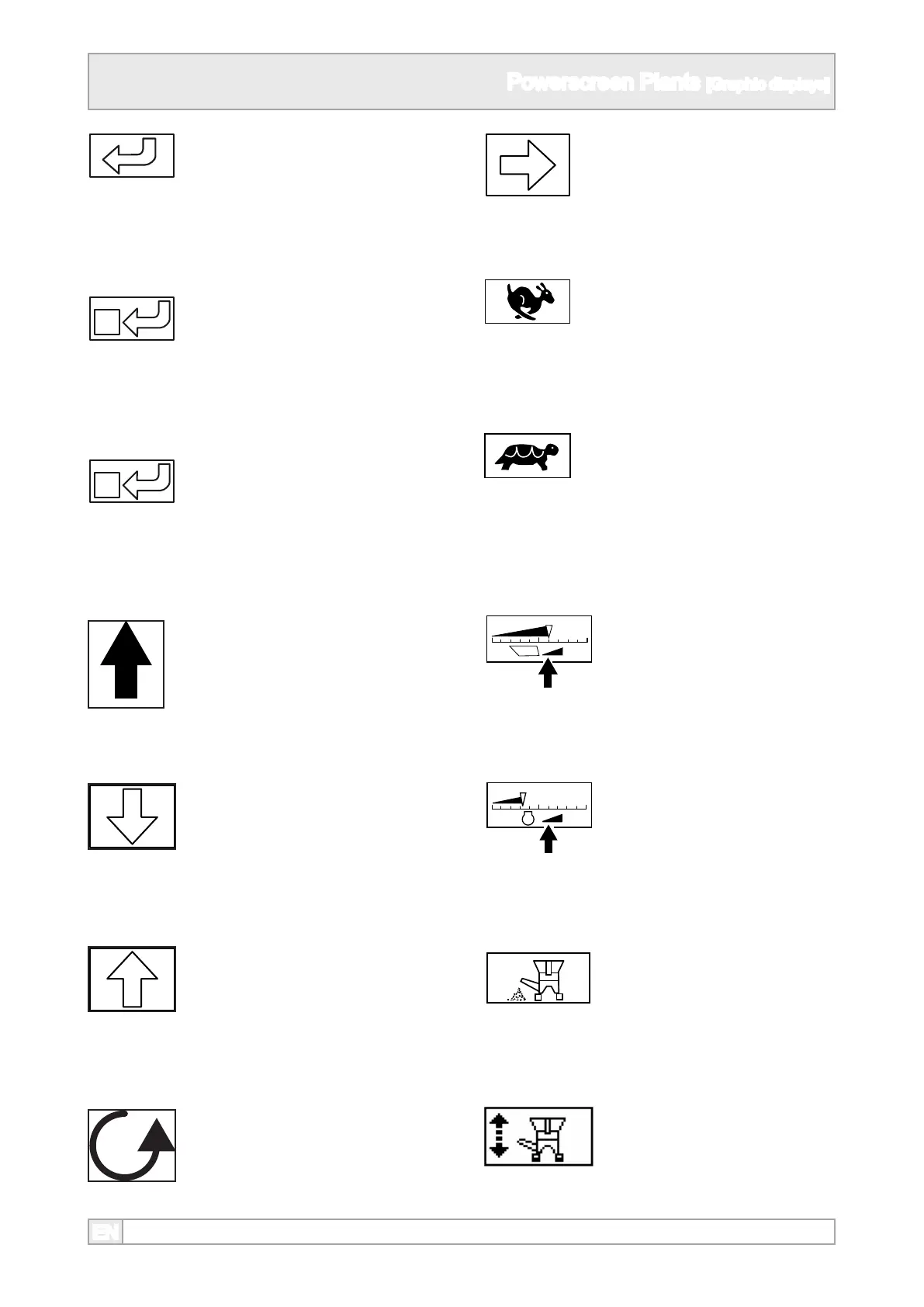
19. Switch o the selected plant
component icon.
18. Enter the selected highlighted
icon screen or accept set
parameters.
20. Switch on the selected plant
component icon.
21. Solid arrow up or down
highlights a plant component or
icon.
22. Hollow arrow down decreases
the speed of a plant
component.
23. Hollow arrow up increases the
speed of a plant component.
24. Rotating arrow indicates the
component adjacent on screen
is running.
25. Hollow right arrow indicates
more information on next page.
26. Higher track speed setting
27. Slower track speed setting.
28. Feeder speed adjustment.
29. Engine speed adjustment.
30. Switch dirt conveyor on of
o when highlighted.
31. Dirt conveyor control set up.



 To Next Page