06-4
Plant Screen Icons
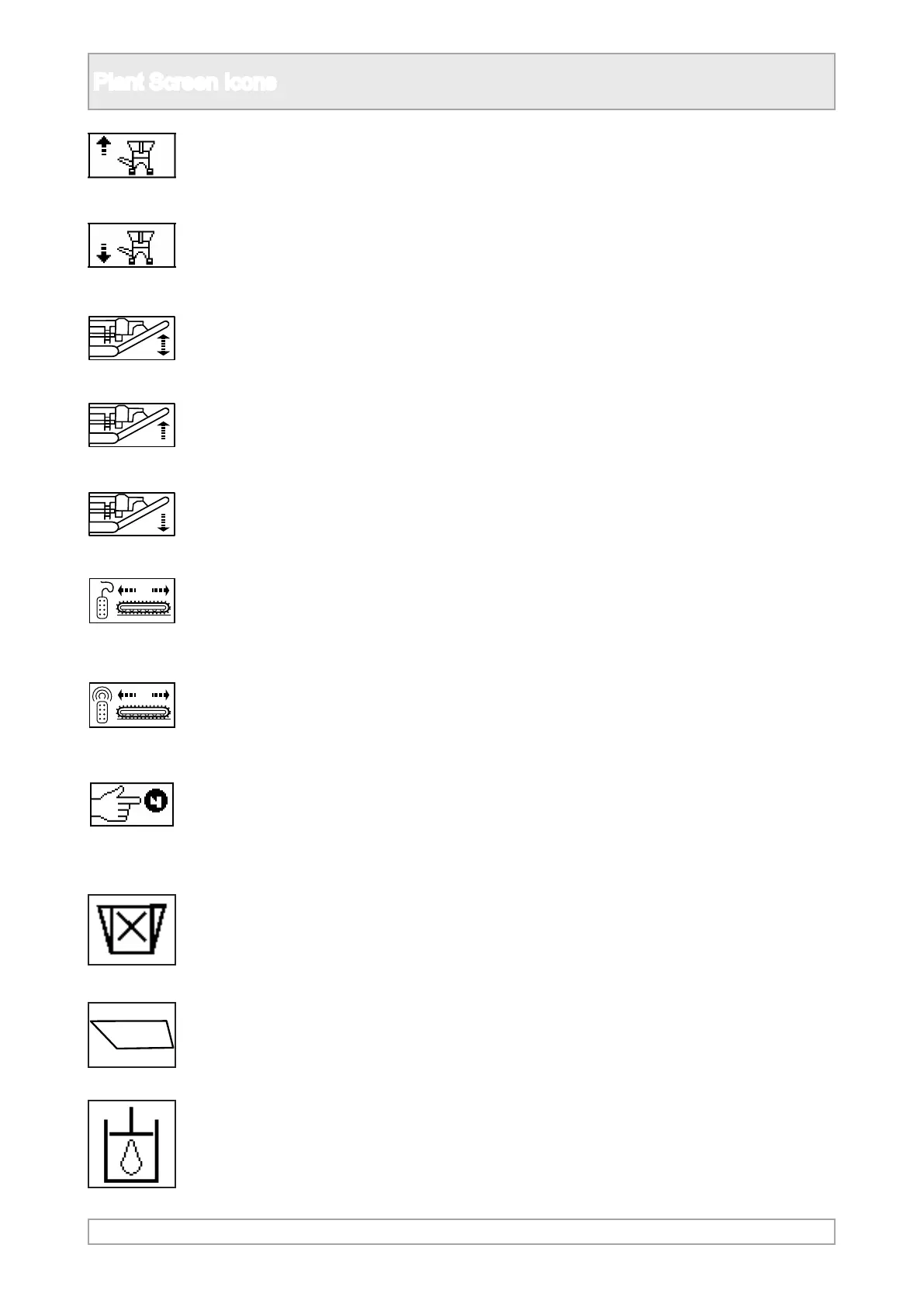
32. Raise dirt conveyor into the
transport position.
33. Lower dirt conveyor into the
working position.
34. Product output conveyor
control set up.
35. Raise product output conveyor
36. Lower product output conveyor
37. Control the tracks with the
wired umbilical control.
38. Control the tracks with the
radio conttrol.
39. Press horn button on control
being used, either umbilical or
radio control, to start or stop the
track operation.
40. Crusher general icon.
41. Feeder general icon.
42. Hydraulic uid general icon.



 To Next Page