20-6
F5F4
ok
2
2
2
ok
F6
3
3
Crusher Operation
1. Observe all safety instructions.
NOTICE
After pressing a button there is a 3 second
delay, during which there is an audible
alarm and the button light ashes, before
any movement takes place.
Product Conveyor
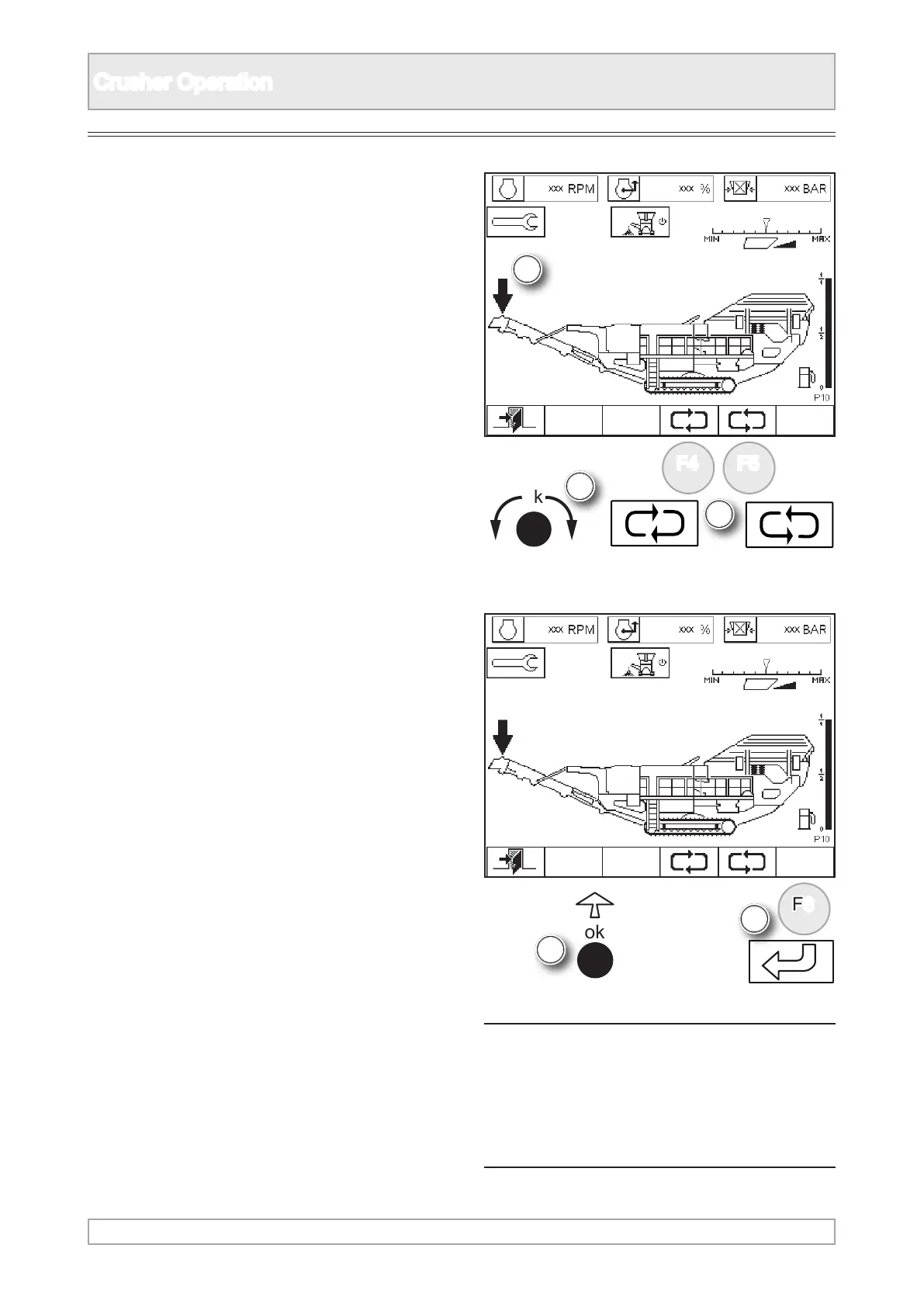
2. Scroll the arrow to highlight product conveyor
using ‘ok’ knob or function buttons.
3. Switch on product conveyor by either pressing
‘ok’ or function button.



 To Next Page