20-10
F5F4
ok
4
4
4
4
2
Crusher Operation
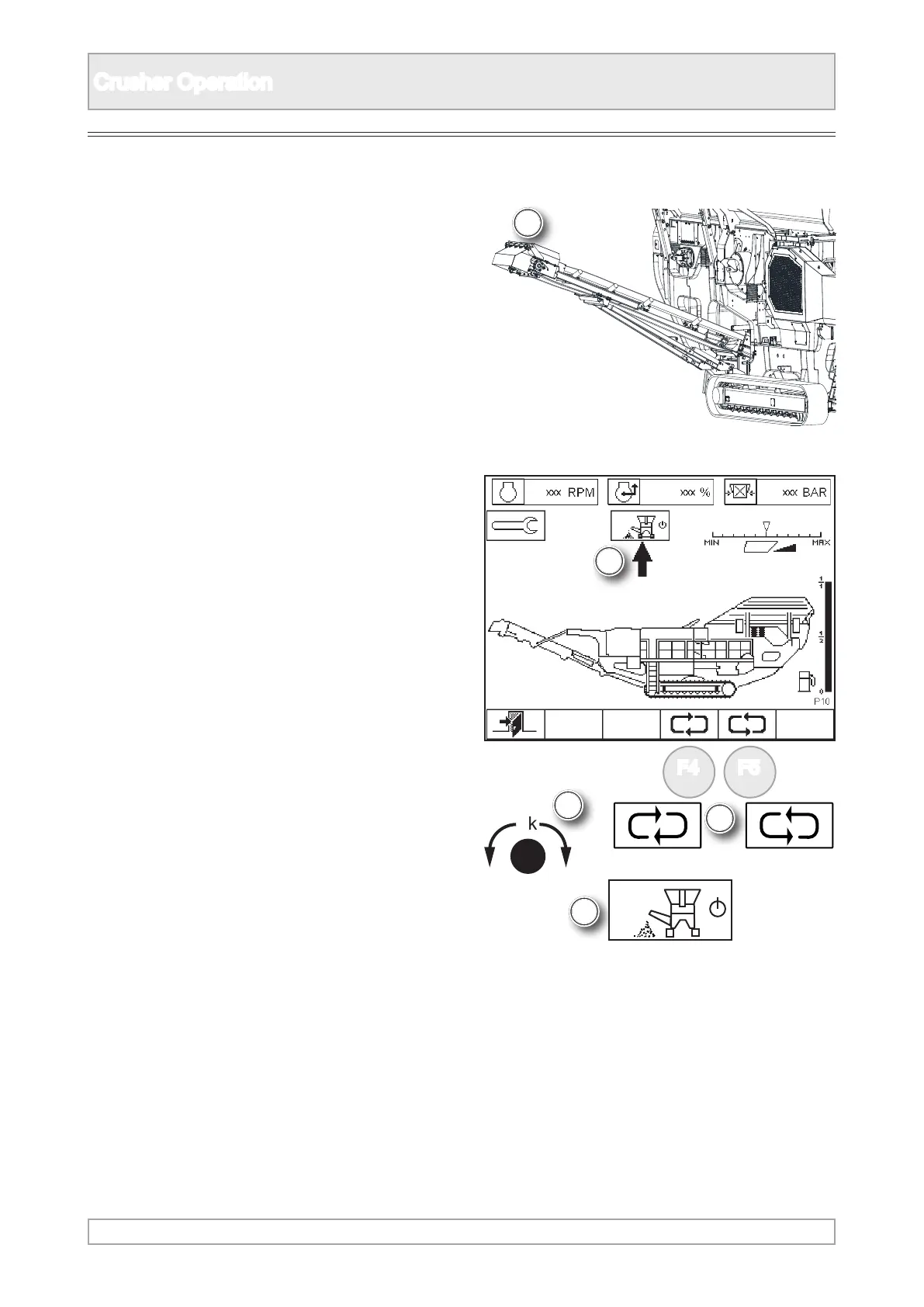
Dirt Conveyor [if tted]
1. Observe all safety instructions.
2. Visually conrm that the dirt conveyor [if tted]
has been lowered outward into its working
position.
3. The conveyor can only be operated in plant
mode, a display screen P10.
4. Scroll the arrow to highlight dirt conveyor using
‘ok’ knob or function buttons.



 To Next Page