23-2
03
F1
2
3
!
Crusher Operation
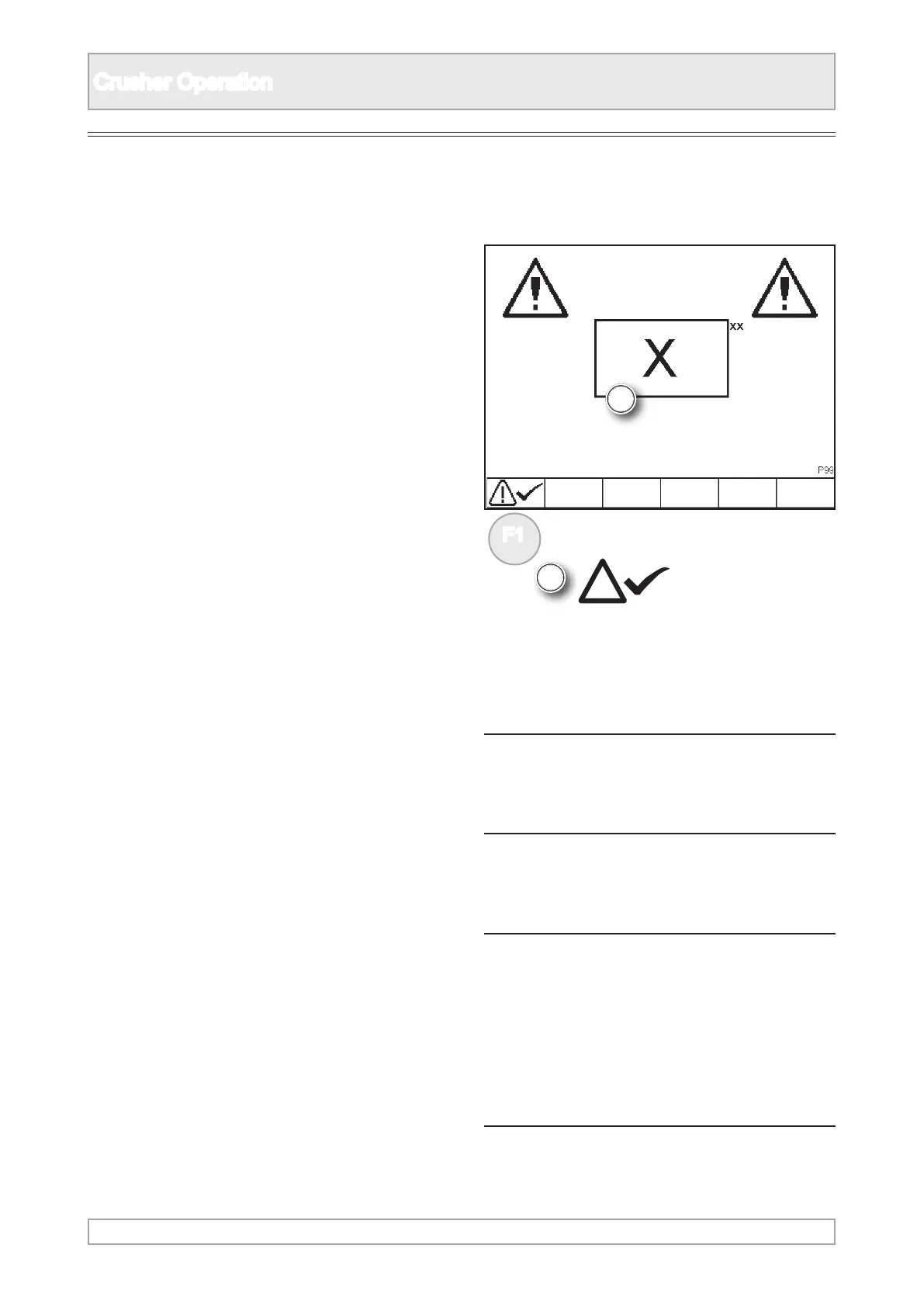
1. Should an active alarm occur the alarm will
sound and the appropriate current active alarm
will appear on the screen.
2. In the illustration example, an alarm icon will
replace the X and the alarm reference number
will replace the xx. Refer to the list of fault
alarms for icons and information.
NOTICE
A fault must be rectied before crushing
operations can be resumed.
n WARNING
To rectify faults which require repairs or
replacements of parts where specialist
tools or expertise is required, contact
your local Powerscreen® dealer or
Powerscreen® Technical Support
department.
Active Plant Alarms
3. Pressing the function button will acknowledge
and mute the alarm.
4. If the system remains switched on and the fault
is not rectied, the alarm will repeat after a
short period.



 To Next Page