26-3
6
1
0
5
10
Re-fuelling
EN
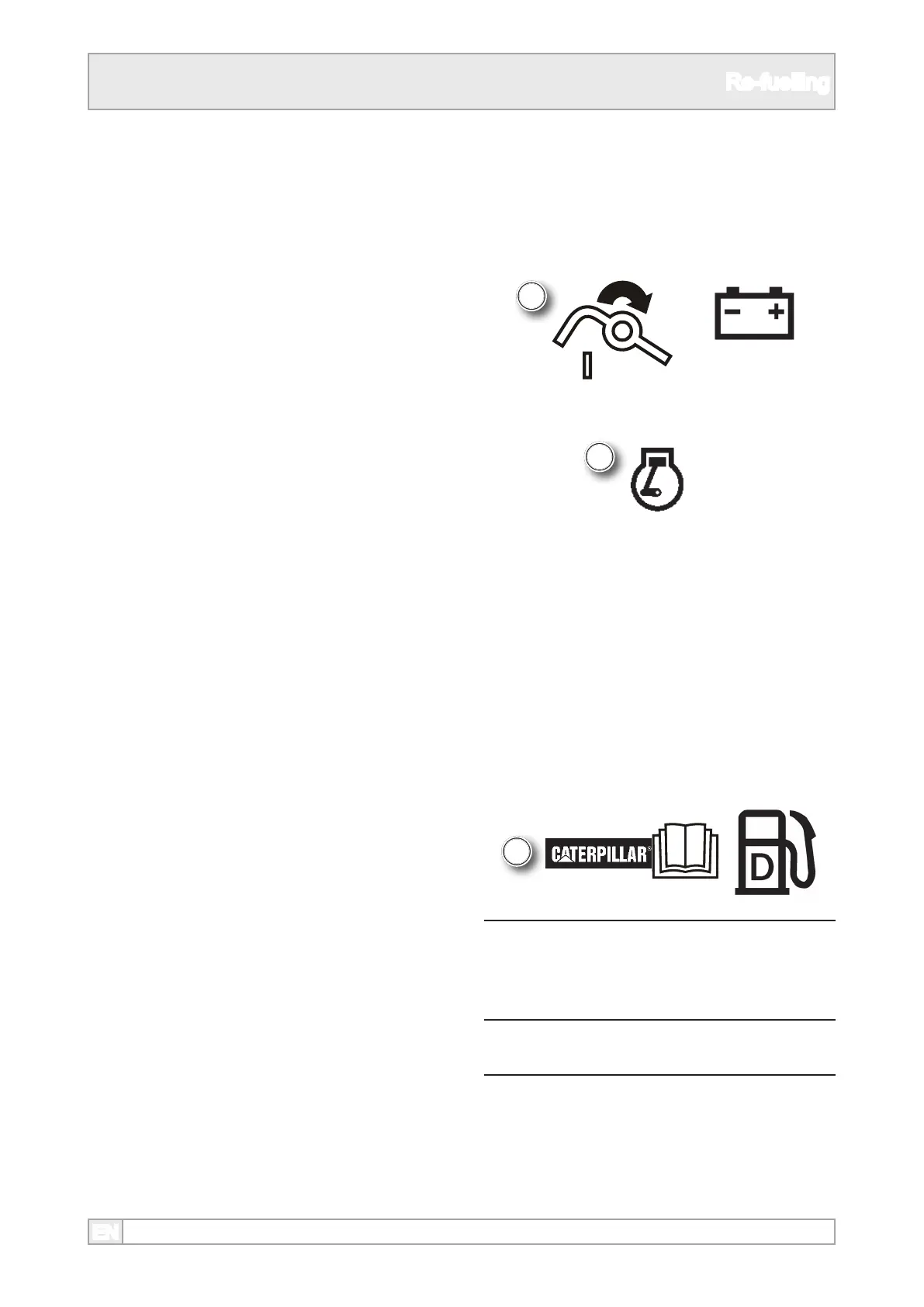
5. Turn the battery switch to the ‘1’ position.
6. Turn ignition to the ‘1’ position.
7. Check the fuel level gauge.
8. Turn ignition switch to ‘0’.
Fuel Filling
9. Clean the area around the fuel ller cap. On
some plants the ller is located behind a door or
panel. Some plants have an external fuel tank
tted with ller.
NOTICES
Do Not ll the tank to overow or full
capacity.
Allow room for expansion and wipe up
spilt fuel immediately.
10. Remove the ller cap and ll up with fuel as
required with specied diesel fuel. Refer to the
engine manufacturer’s operation manual.
Fuel Gauge
3. Some plants have an electric fuel gauge.
4. Observe all safety warnings.



 To Next Page