31-2
F5F4
ok
4
4
4
Preparing to Finish Crushing
Always close down in the following sequence:
NOTICE
For normal closing down the plant, DO
NOT use the emergency stop buttons,
umbilical or radio, if tted, hand set stop
buttons or by switching o the engine
ignition to close down the plant. Always
follow the correct preparation sequence.
Normal Closing Down the Plant
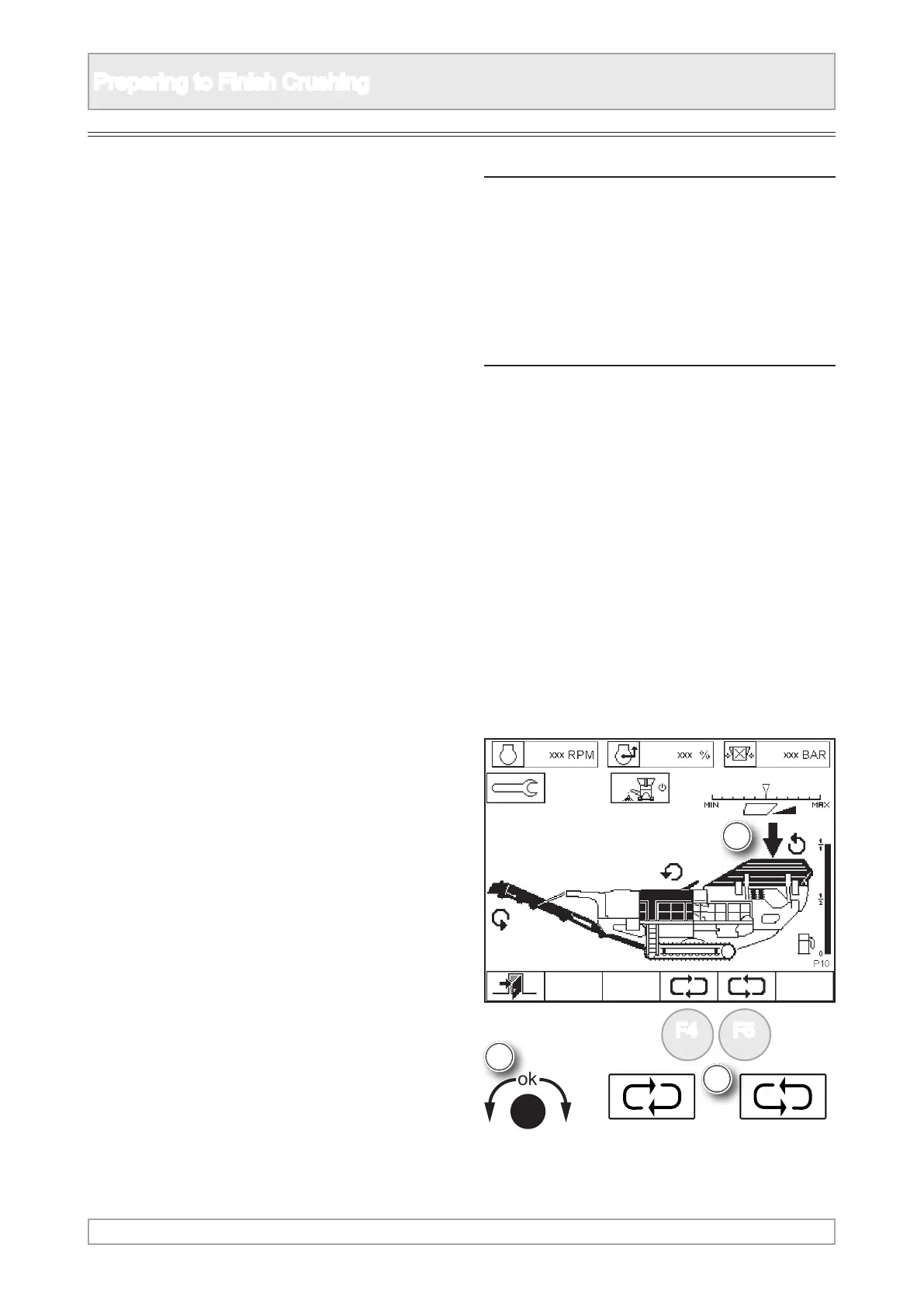
Feeder
2. Wait until the feeder is empty of material then
stop the feeder.
3. The feeder is operated in plant mode P10.
1. To nish crushing each section of the plant must
be emptied in sequence before being stopped.
4. Scroll to highlight vibrating feeder using ‘ok’
knob or function buttons.



 To Next Page