18
[Diagnostics]
n User qualification: instructed user
Ä Chapter 3.4 ‘User qualification’
on page 24
Continuous display ➨ ➨ or
[Diagnostics]
➨
[Diagnostics]
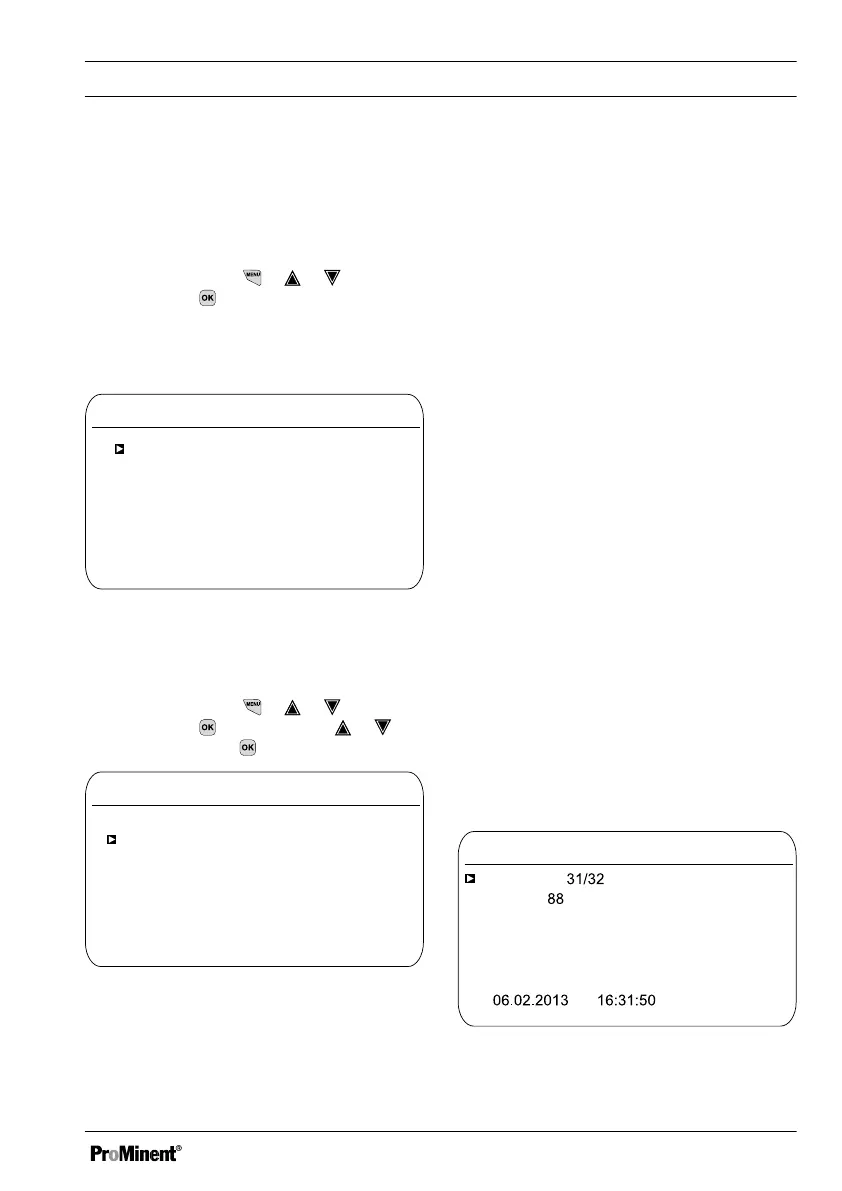
It is possible to view logbooks, perform a simu‐
lation of outputs or view device information in
this menu.
Diagnostics
Logbook
A0981
9.1
Simulation
Device information
Fig. 119: Diagnostics
18.1 Displaying
[logbooks]
Continuous display ➨ ➨ or
[Diagnostics]
➨
[Diagnostics]
➨ or
[Calibration log book]
[Calibration log book]
Log books
Calibration log book
A0982
9.1.1
Error log book
Data log book
Fig. 120: Displaying [Log books]
18.1.1 Displaying the
[Calibration Log Book]
The data on the sensor calibrations success‐
fully completed are stored in the internal
[Calibration log book]
. Up to 30 calibrations can
be stored. Thereafter the oldest entry is over‐
written with the most recent entry.
The following data is stored:
n Name of the measuring channel
n Measured variable
n Time of calibration
n Zero point
n Slope
Deleting entries in the
[Calibration log book]
You can also delete entries in the Calibration
log book. Deleting the entries does not affect
the calibrations stored in the controller.
18.1.2 Reading the
[Error Log Book]
The error message data is stored in the
[Error log book]
. Up to 30 error messages can
be stored. Thereafter the oldest entry is over‐
written with the most recent entry.
Error log book
Entry
A1161
9.1.2.1.1
Error
Status
Goes
Channel 2
The connection to the
expansion module
is faulty
Fig. 121: [Error log book]
[Diagnostics]
165














 To Next Page