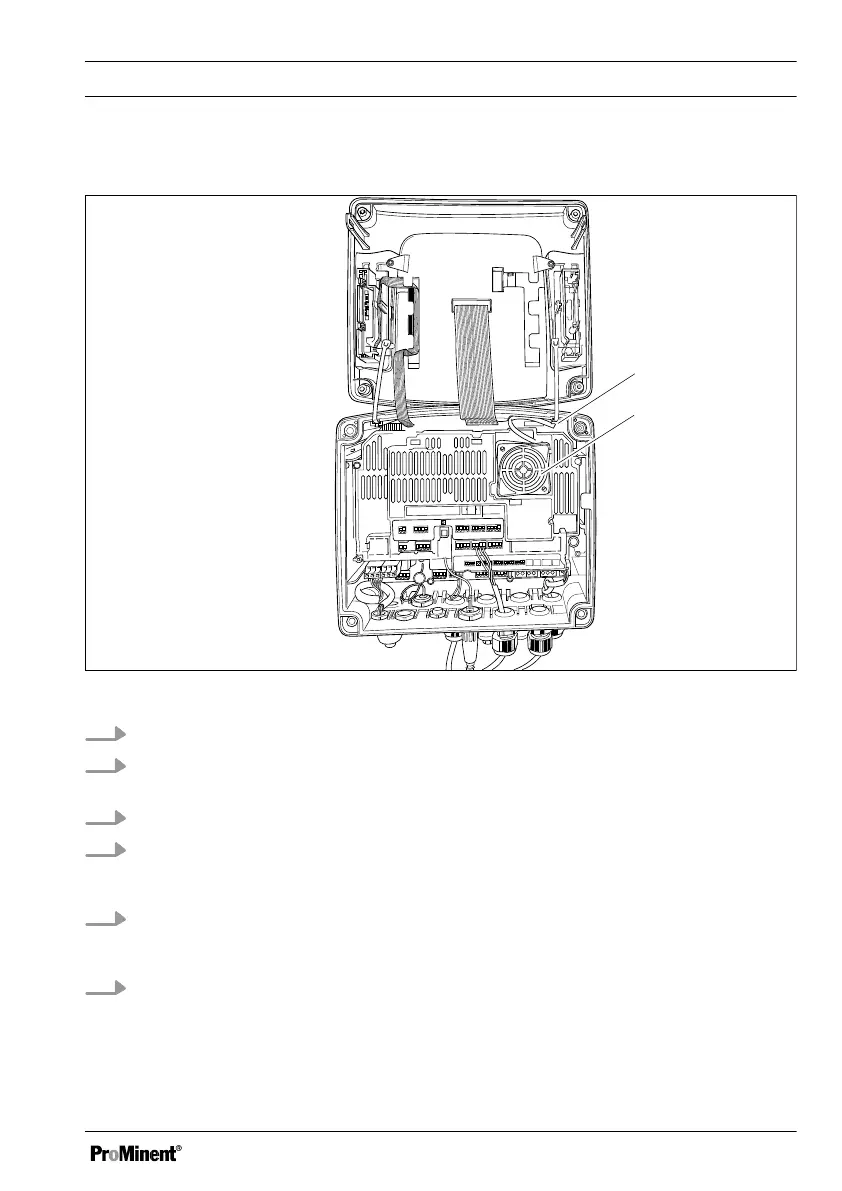
20.3 Replacing a Fan
Fig. 126: Replacing a fan, part no. 733328
1. Open the housing of the controller.
2. Using an appropriate tool, such as pointed pliers (e.g. DIN EN 60900; VDE 0682-201),
loosen the electrical plug-in connector (1).
3. Remove the fan (2).
4. Insert the new fan (2). The ProMinent lettering faces you.
ð
Make sure that the two fixing hooks slot in properly.
5. Use an appropriate tool to connect the plug-in connector (1).
ð
The fan should now rotate.
6. Close the housing of the controller.
Spare Parts and Accessories
183














 To Next Page