12 Setting the [Pumps]
n User qualification: trained user, see
Ä Chapter 4.4 ‘Users' qualifications’
on page 21
Continuous display ➨ ➨ or
[Pumps]
➨
[Pumps]
Settings for [Channel 2]
In its 2-channel version, the controller
has two measurement channels. This
description for [Channel 1] applies
correspondingly for the settings in
[Channel 2]. The procedure for
making the settings for the channel in
question is identical, however the
parameters to be set may be different.
Differences are pointed out and are
also described.
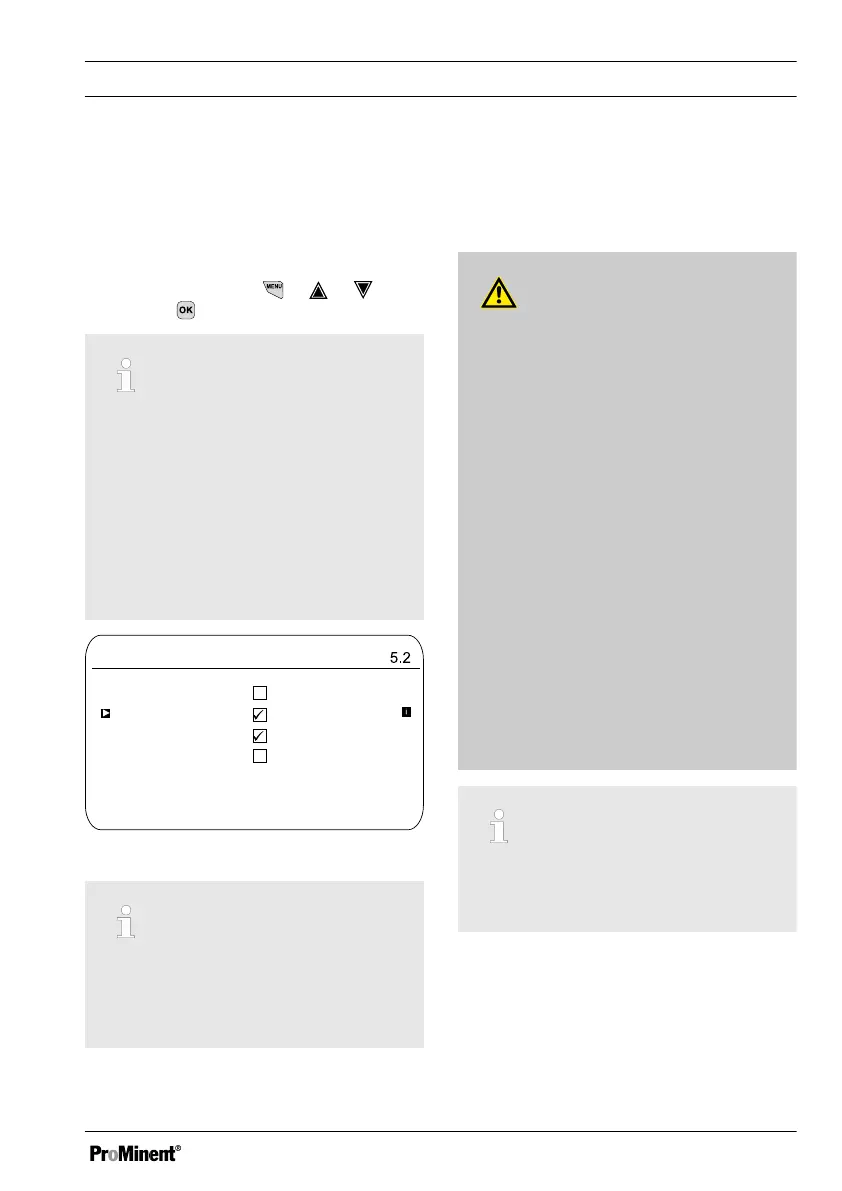
Pumps
A1064
Pump 1 channel 1
Pump 2 channel 1
Pump 3 channel 2
Pump 4 channel 2
Fig. 90: Setting the [Pumps]
Setting [Pump 1] or [Pump 2]
Only the process for[ Pump 1] is
described. The set-up process for
[Pump 2], [Pump 3] or [Pump 4] is the
same as for [Pump 1].
12.1 Setting [Pump 1]
CAUTION!
Refer to the operating manual for the
pump
Possibility of damaging the pump.
Faults in the process.
– Set the pump to
[External Contact]
operating
status
– Observe the maximum stroke
rate for the pump
– Switch off any stored stroke set‐
tings in the pump control
– The maximum stroke rate for the
pump can be found in the pump
operating manual
– Setting a stroke rate on the
controller, which is higher
than the pump's actual pos‐
sible maximum stroke rate,
can lead to hazardous oper‐
ating statuses
Maximum pump frequency
The pumps are activated according to
the control variable up to the pump's
respective maximum stroke rate.
Setting the [Pumps]
125














 To Next Page