1.3 Acknowledging Error or Warning Messages
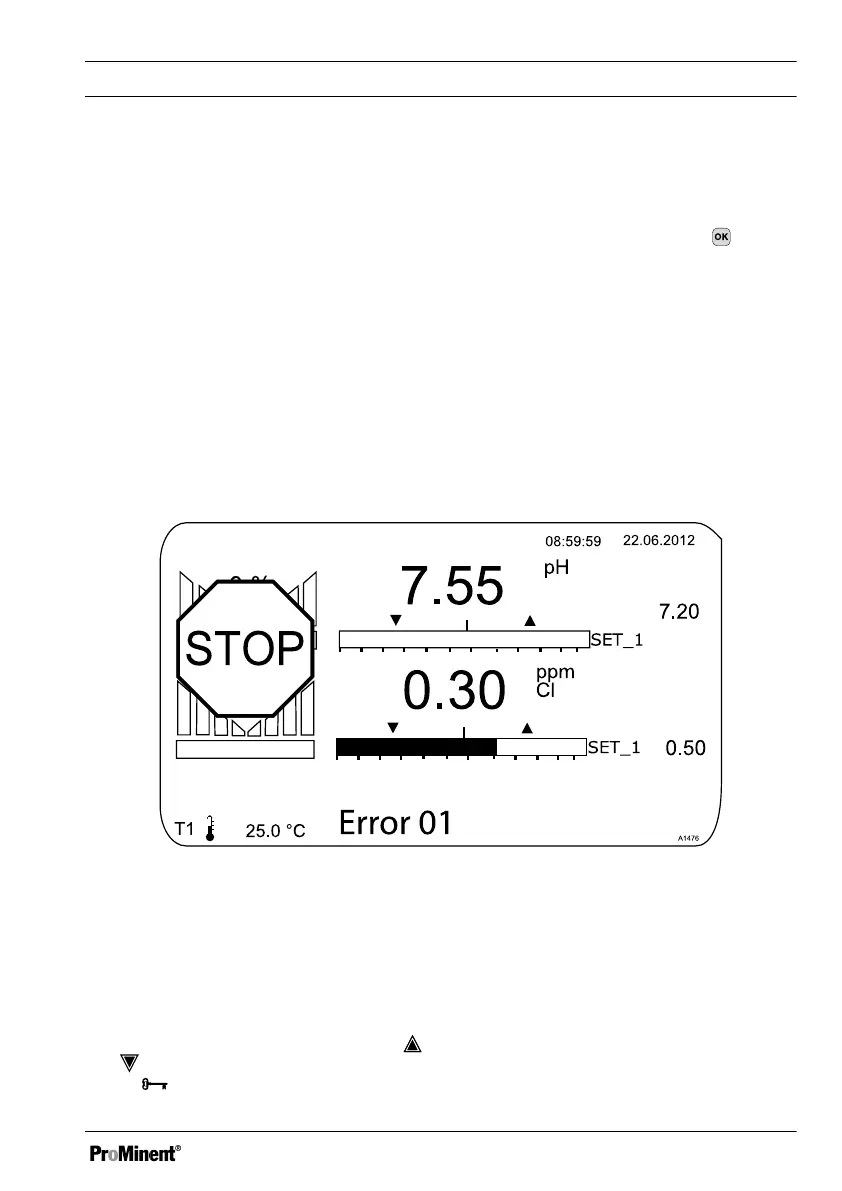
If the controller detects an error
[Error]
, the controller is stopped, the backlight switches to
red and the alarm relay is deactivated. Acknowledge the message by pressing . The
controller displays all the errors and warnings. You can select and acknowledge the
pending alarm messages if necessary. When you acknowledge an error, the alarm relay
is activated and the backlight switches on again with white light. The error that has
occurred or the warning message continue to appear in the lower part of the display, e.g.
[Error 01]
, until the cause has been eliminated.
With a warning, for example the controller signals that a sensor has not yet been cali‐
brated, it is possible to continue working with the controller with or without acknowledging
the message.
With an error message
[Error]
,
[for example]
the controller signals that no sensor has
been connected, it is not possible to continue working with the controller once the mes‐
sage has been acknowledged. You now have to eliminate the error, see
Ä Chapter 17
‘[Diagnostics]’ on page 146
.
Fig. 6: Alarm message, controller stops the control
1.4 Key Lock
The controller has a key lock. If the key
lock is activated, the keys cannot be
pressed. The key lock can be activated or
deactivated by simultaneously pressing
and . An activated key lock is indicated
by the
symbol.
Operating Concept
13














 To Next Page