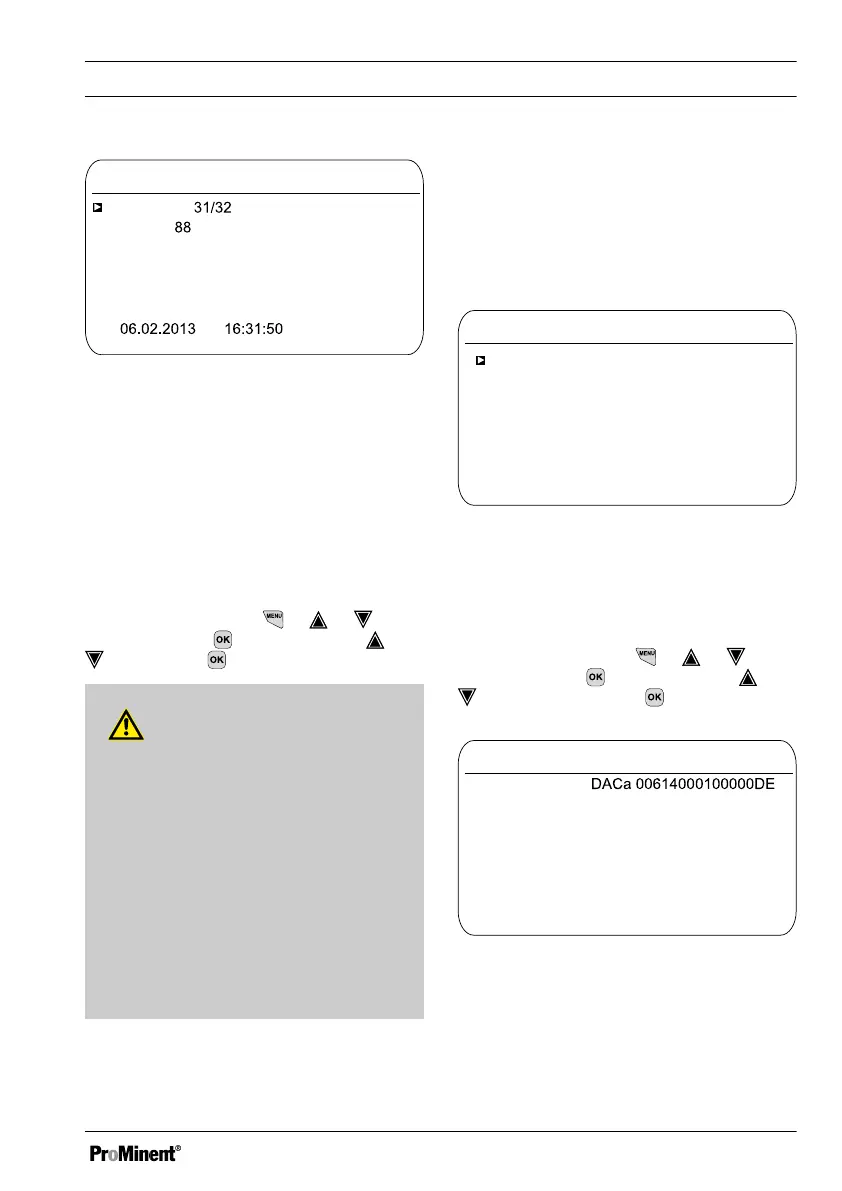
Error log book
Entry
A1161
9.1.2.1.1
Error
Status
Goes
Channel 2
The connection to the
expansion module
is faulty
Fig. 113: [Error log book]
Deleting entries in the
[Error log book]
You can also delete entries in the Error
log book. Deleting the entries does not
affect the errors stored in the controller.
17.2 Displaying
[simulation]
Continuous display ➨ ➨ or
[Diagnostics]
➨
[Diagnostics]
➨ or
[Simulation]
[Simulation]
WARNING!
Uncontrolled response
Cause: A controller operates uncon‐
trolled in
[Simulation]
mode under full
load and thus so do the connected
actuators.
Possible consequence: Fatal or very
serious injuries
Measure: Never leave a controller
and its installed functional modules
unsupervised if the simulation func‐
tion is active.
The
[Simulation]
menu item enables you
to activate all outputs for test purposes
during commissioning. A simulated output
remains activated until you quite the
[Simulation]
menu item. It is also possible
to prime a peristaltic pump, for example,
with
[Simulation]
mode. A
Simulation
Relay 1
A0983
9.2.1
mA output 1
mA output 1
Pump 4
Pump 3
Pump 2
Pump 1
Alarm relay
Relay 2
Off
Off
Off
Off
On
Off
Off
Off
On
Off
Fig. 114: Displaying simulation
17.3
Displaying
[Device Information]
Continuous display ➨ ➨ or
[Diagnostics]
➨
[Diagnostics]
➨ or
[Device information]
[Device information]
Device info
Identity Code
A1164
9.3.3
Softw. version: 01.00.00.00
Srnr: 15082008
Module rev. 0100
Operating temperature 35.5 °C
Softw. version: 01.00.00.00
Expansion module
Fig. 115: Device Information
[Diagnostics]
147















 To Next Page