Measuring and control behaviour
of the controller during calibration
During calibration the actuating out‐
puts are deactivated. Exception: a
basic load or a manual control vari‐
able has been set. This remains
active. The measured value output
[standard signal output mA] is frozen,
corresponding to its settings in the
mA output menu.
When calibration/testing has been
completed successfully, all of the
error checks relating to the measured
value are restarted. The controller
saves all the determined data for zero
point and slope upon a successful
calibration.
Buffer used
Dispose of the used buffer solution.
For more information: refer to the
buffer solution safety data sheet.
You need one test container with a buffer
solution for calibration.
Continuous display ➨
CAL ORP
Pot. equalisation
Calibration process
A1027
No
0.0 mV
Offset
Last calibration
CAL setup
13:26:11
11/04/2013
continue with <CAL>
1 point
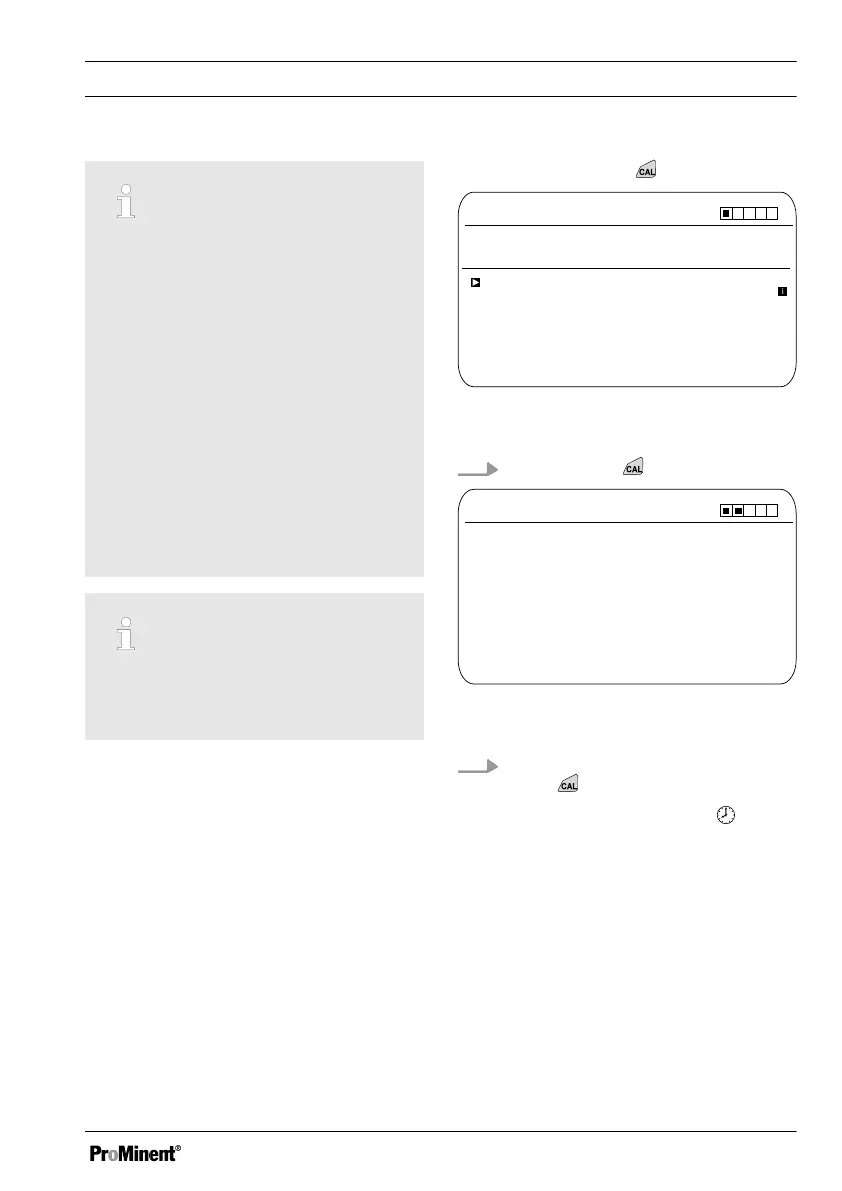
Fig. 44: 1-point calibration of ORP sensor
(CAL)
1.
Continue with
CAL ORP
A1028
Immerse sensor in buffer
continue with <CAL>
Fig. 45: 1-point calibration of ORP sensor
(CAL)
2. Carry out the instructions and then
press
ð
Calibration is running .
[Please wait!]
flashes.
Calibration
77














 To Next Page