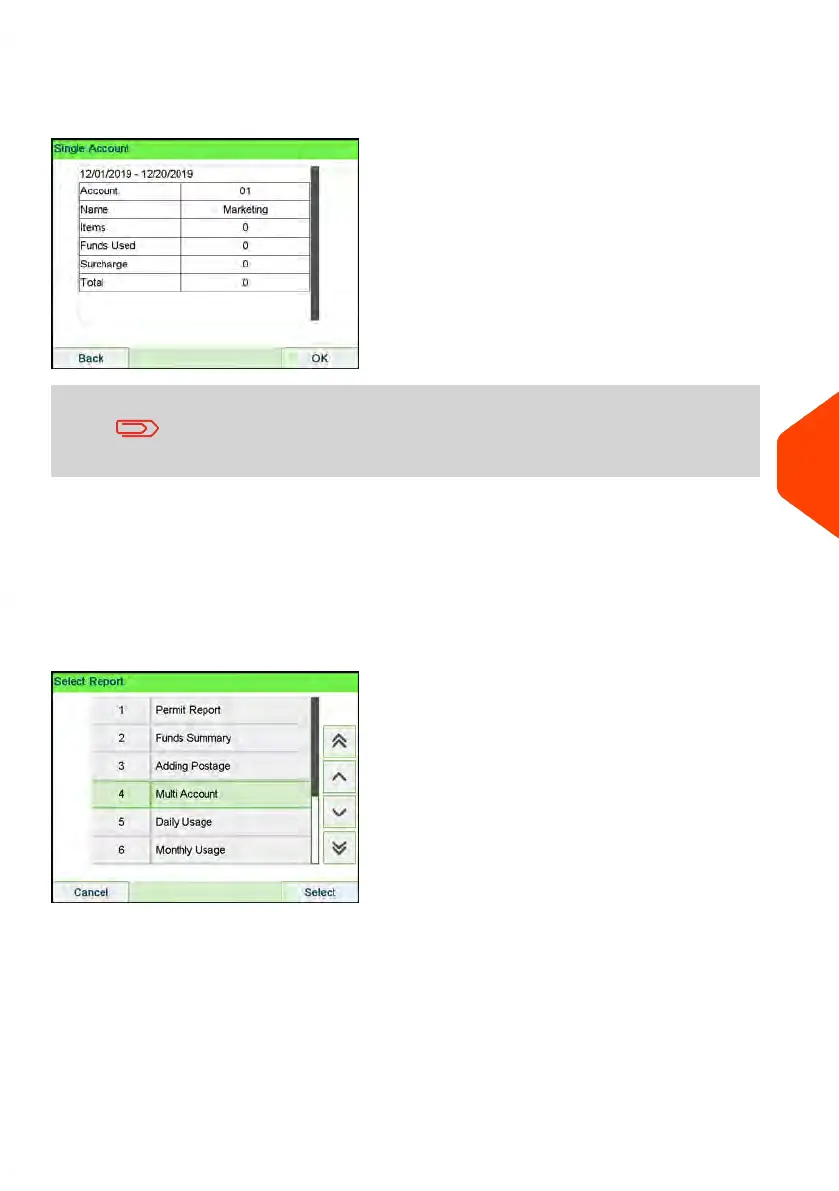
Output
• Screen
Content
When Advanced reporting is enabled, budget and surcharge
data is included in the report. Please contact your Customer
Service to enable options.
Multi Account Report
This report displays postal expenditures for all the accounts over a selected time period,
sorted by ascending account number.
The report displays all the accounts in 'active' status, and accounts 'inactive' or 'deleted'
with a postage value.
Requirements
This report is available as a user or a supervisor.
The current account mode has to be 'Account' or 'Account with access control'.
You have to specify the period for the report (Begin and End dates).
Default period:
• Begin = 1st day of current month
• End = Current date
8
Reports
231
| Page 231 | Apr-15-2022 12:02 |















 To Next Page