How to Set [Received] Mode printing
This section describes how to use the [Received] type of stamp, to:
• Print the date on incoming mail.
• Print 'Received' on incoming mail.
You must begin with selecting the Type of stamp to gain access
to the corresponding parameters and be able to run mail.
Required settings:
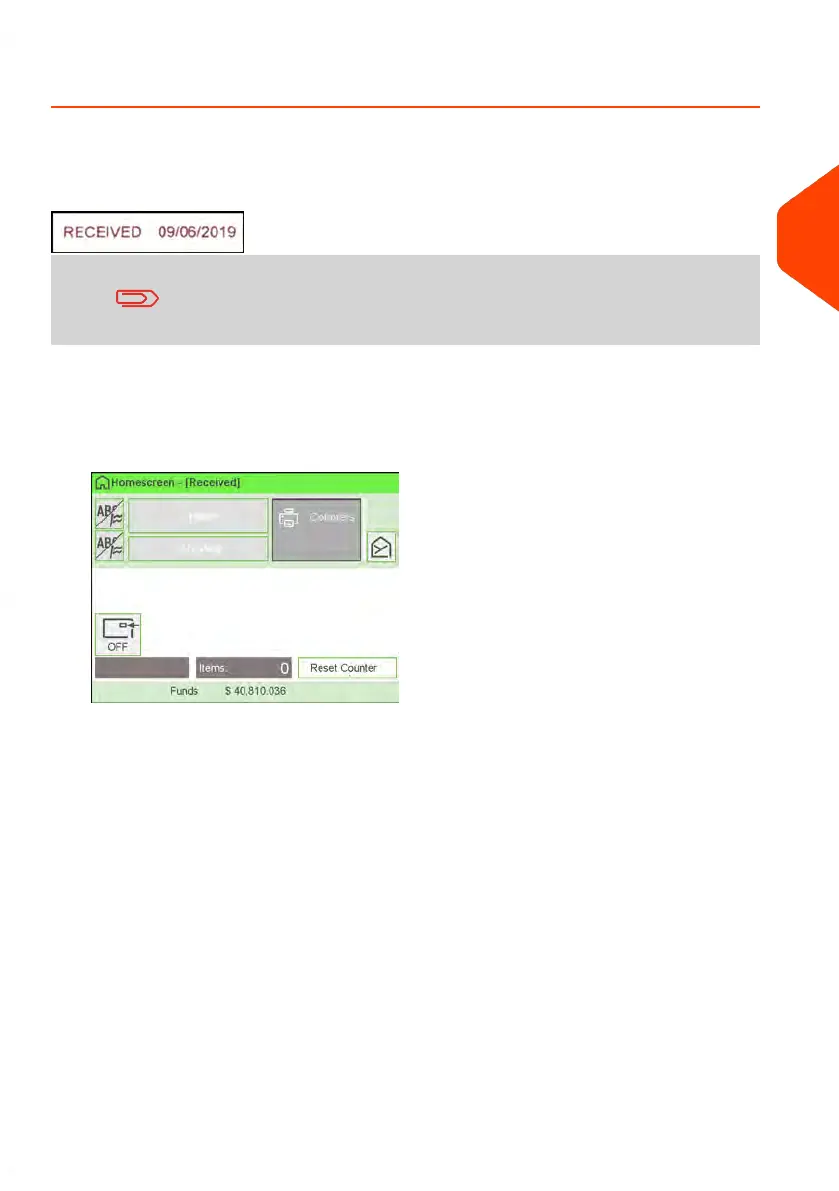
1. Make sure you are on the home screen of the [Received] type of stamp.
The type of stamp is indicated at the top of the home screen as illustrated.
3
Processing Mail
67
| Page 67 | Apr-15-2022 12:02 |















 To Next Page