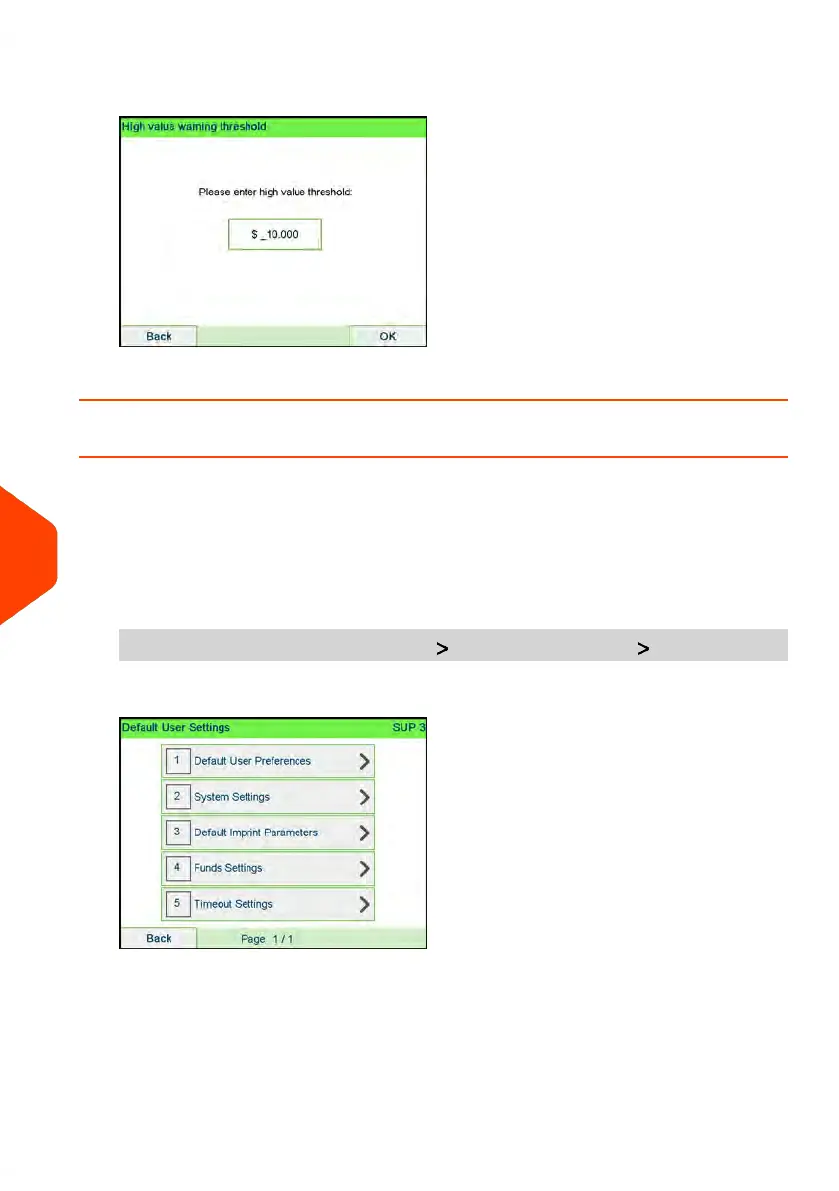
2. Enter the high-value warning amount or press [C] and enter 0 to disable the
warning function.
3. Press [OK] to validate.
How to Set the Low-Funds Threshold
A Low Funds Value Warning warns the user that the funds remaining in the PSD
(Meter) are getting low. More funds should be loaded. The Low Funds Value Warning
can be set to any dollar amount.
To set a low-funds threshold:
1. As supervisor (see How to Log in as Supervisor on page 269):
From the main menu, select the path: Default user settings Funds settings
280
| Page 280 | Apr-15-2022 12:02 |
10
Configuring your Mailing System















 To Next Page