How to Add Insurance
You can add insurance coverage for your mailpieces to protect against loss or damage.
Insurance fees are based on the item’s declared value. There are limitations for insuring
some products and certain items. Some types of mail classes may include insurance
in the price of service.
• Not all mail classes may offer insurance.
• Be sure to use the correct label for the service you want.
1.
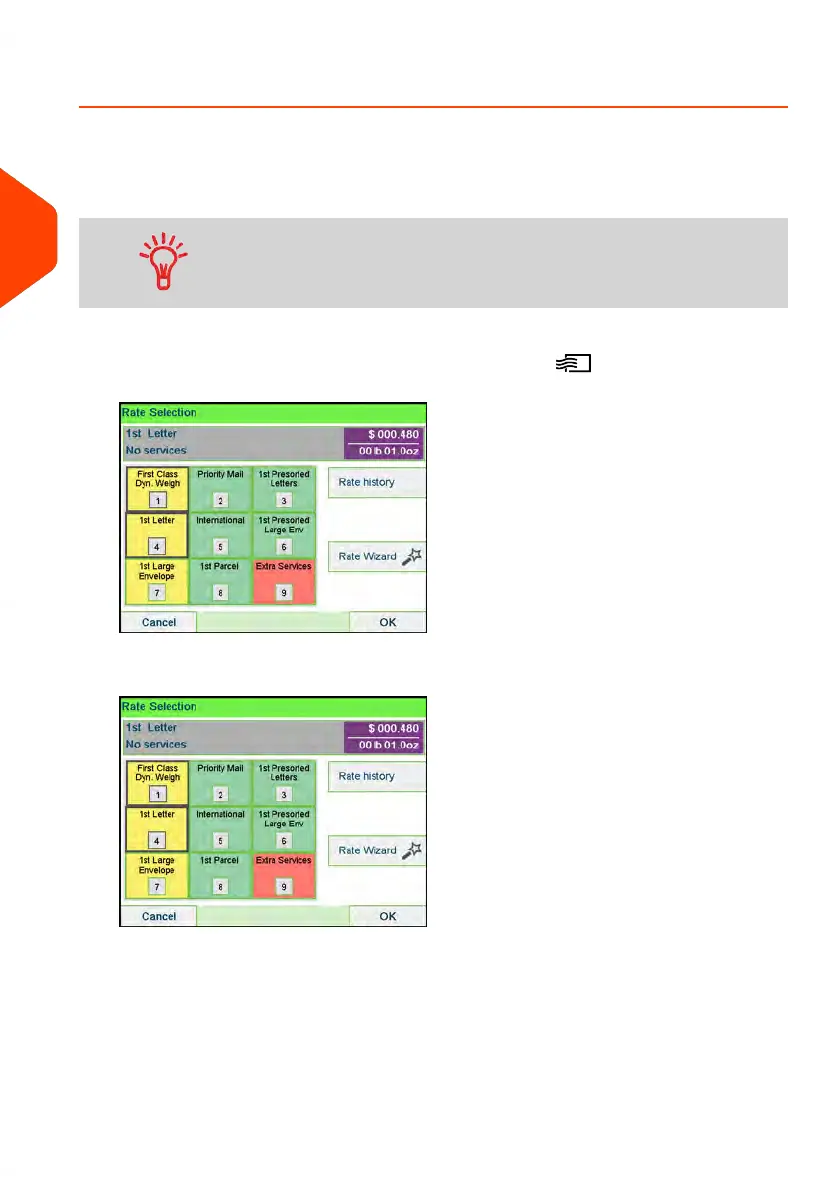
Place your item on the weighing platform and press .
2. Select Extra Services [9].
50
| Page 50 | Apr-15-2022 12:02 |
3
Processing Mail















 To Next Page