Weighing Settings10.6
The weighing settings include:
• Setting a default weighing type used for mailing
• Activating / De-activating the WP Automatic Selection functionality
• Zeroing the weighing platform
• Checking on Zero Weight
• Activating / De-activating ePostage
• Setting the GEO code that corresponds to the geographical location of the Mailing
System
How to Change the Default Weighing Type
This setting defines both the weighing device and the weighing type that are selected
by default when a user starts the mailing process (see Choosing a Weighing Type on
page 90).
To change the default weighing type:
1. As supervisor (see How to Log in as Supervisor on page 269):
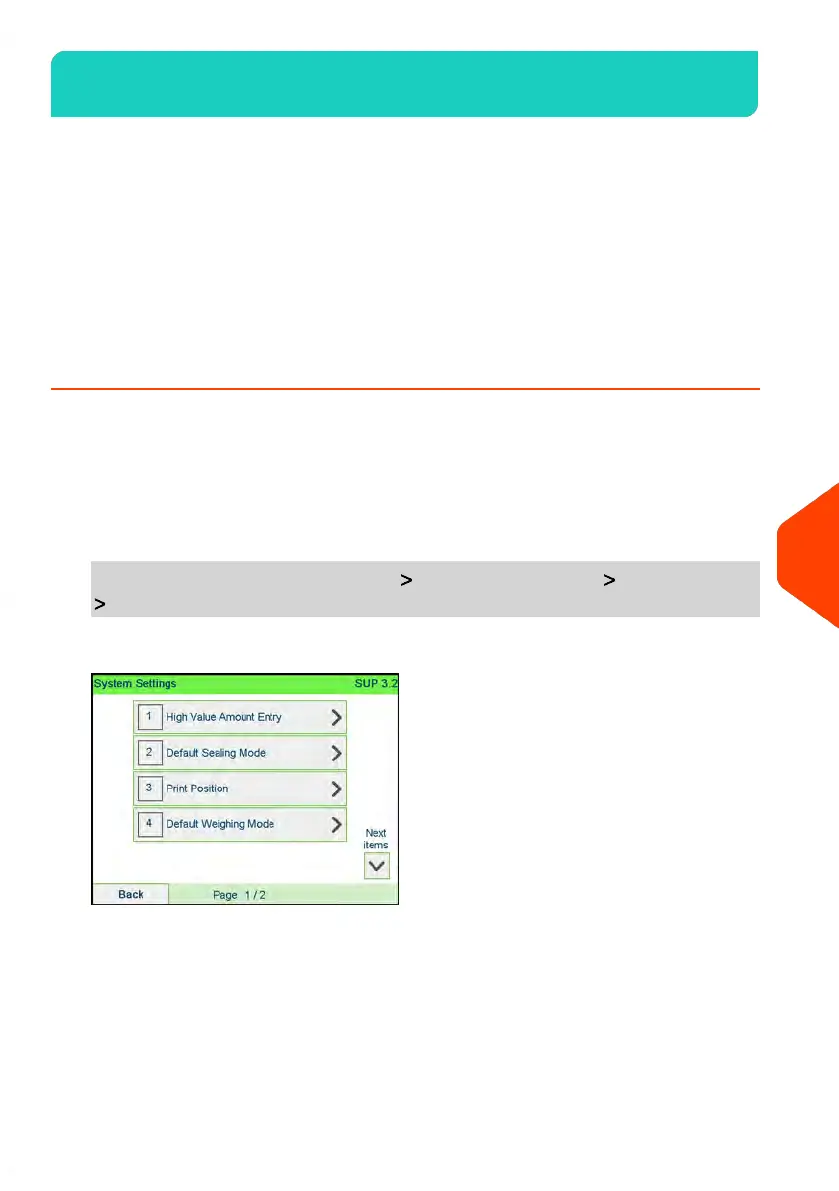
From the main menu, select the path: Default User Settings System settings
Default weighing mode
283
| Page 283 | | Apr-15-2022 12:02 |
10
Configuring your Mailing System


 To Next Page