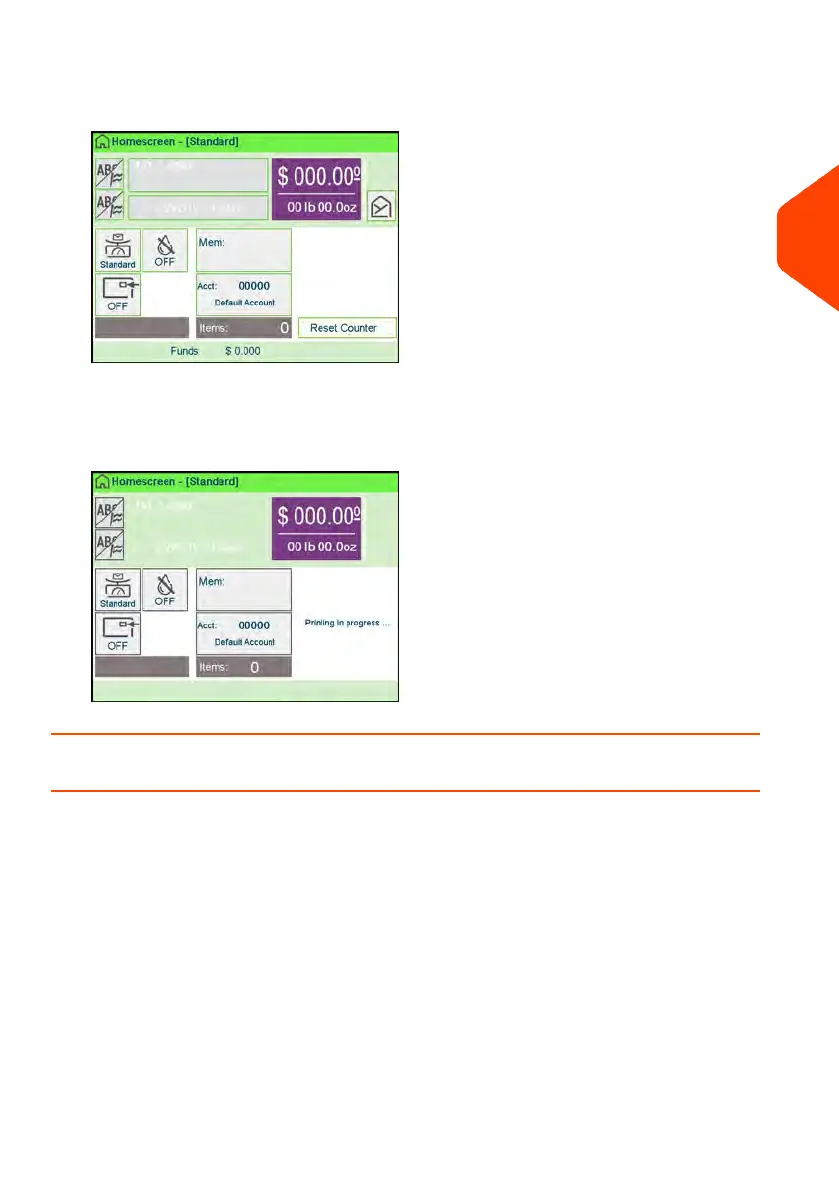
1. From the Manual Weighing Home Screen place an item on the scale.
The mailing system switches to Standard Weighing.
2. The default mail class is displayed. You remove the mail piece from the scale
and run the mail piece through the mailing system.
The display shows "Printing in progress".
How to Enter the Weight Manually
Entering Weight Manually
You can enter the weight manually if a mail piece exceeds the weighing capacity of
all your weighing platform.
If this situation occurs, you will need to print the postage amount on a label to stick
onto the mail piece.
To enter the weight manually from the home screen, you must first select the postal
class:
3
Processing Mail
91
| Page 91 | Apr-15-2022 12:02 |















 To Next Page