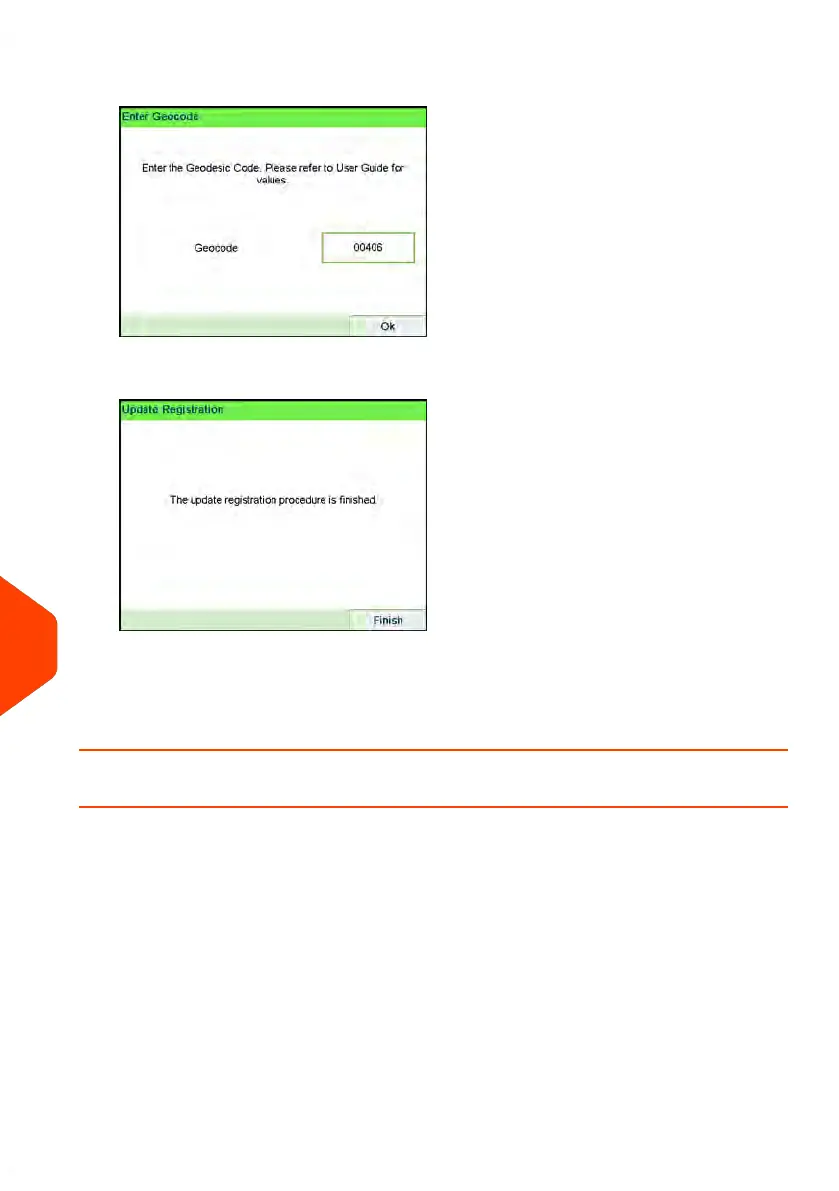
8. Enter the Geocode.
9. Press [OK].
The update registration procedure is finished.
10. Press [Finish] to return to menu.
11. Press Press the Sleep/Wake/Soft Off button to exit.
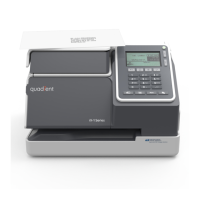
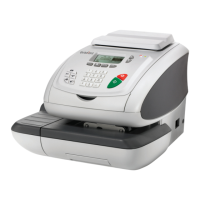
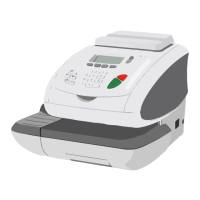
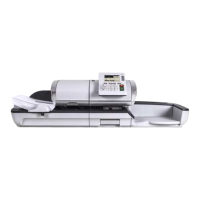
How to Remove the Base (Meter)
Remove the Base:
• Removes the PSD from service.
• Prepares the base for removal by saving data on USB key.
To remove the meter:
376
| Page 376 | Apr-15-2022 12:02 |
12
Maintaining


 To Next Page