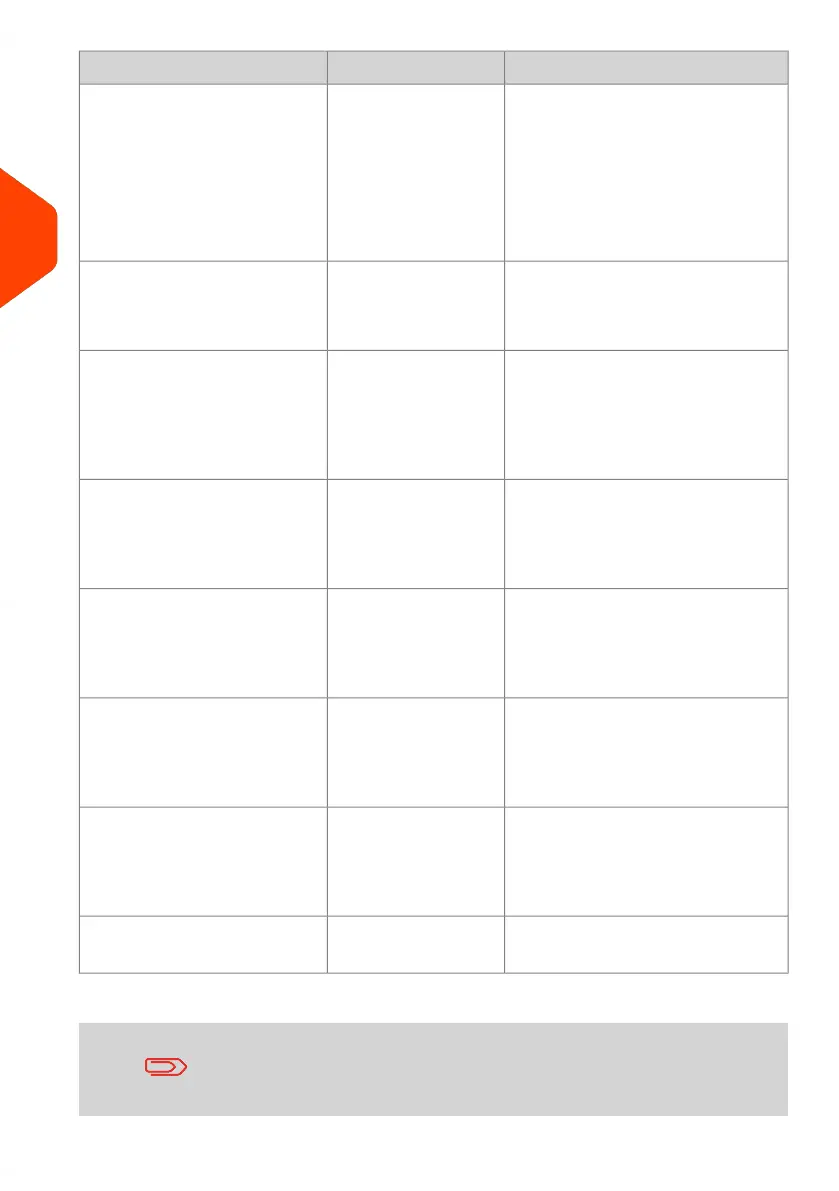
Available Stamp optionsType of stampType of process
[Standard]
(Printing Standard
Mail on page 41)
Applying postage to outgoing
mail
• Rate
• Weight
• Date format
• Text (optional)
• Slogan (optional)
• Print offset (optional)
• Sealing on or off
[Permit Mail]
(Printing [Permit]
Mail on page 71)
Sending Prepaid mail: • Permit Mail
• Print offset (optional)
• Sealing (optional)
[Date Correction]
(Printing [Redate]
Mode on page 81)
Re-dating a mail piece: • No weight, postage amount
= 0
• Date format
• Print offset (optional)
• Sealing (optional)
[Amount correction]
(Printing [Amount
Correction] Mode on
page 78)
Correcting a postage amount
(print on back of envelope):
• Amount
• Date (optional)
• Print offset (optional)
• Sealing (optional)
[Received]
(Printing Incoming
Mail with [Received]
Mode on page 67)
Printing 'Received' or the date
on incoming mail:
• Print date and/or 'Received'
• Print offset (optional)
[No printing]
(Running [No
Printing] Mail on
page 69)
Sealing only:
(using optional feeder with
sealer)
• Turn sealer on
[No printing]
(Running [No
Printing] Mail on
page 69)
Counting by feeding:
(using optional feeder)
• Counter reset
• Turn sealer off (if installed)
Specific application (see Piece
Counting on page 112).
n.a.Counting by weighing:
The system selects [Standard] type of stamp at startup by
default.
36
| Page 36 | Apr-15-2022 12:02 |
3
Processing Mail















 To Next Page