3. Select the Permit Mail to use. See Selecting a Permit on page 89.
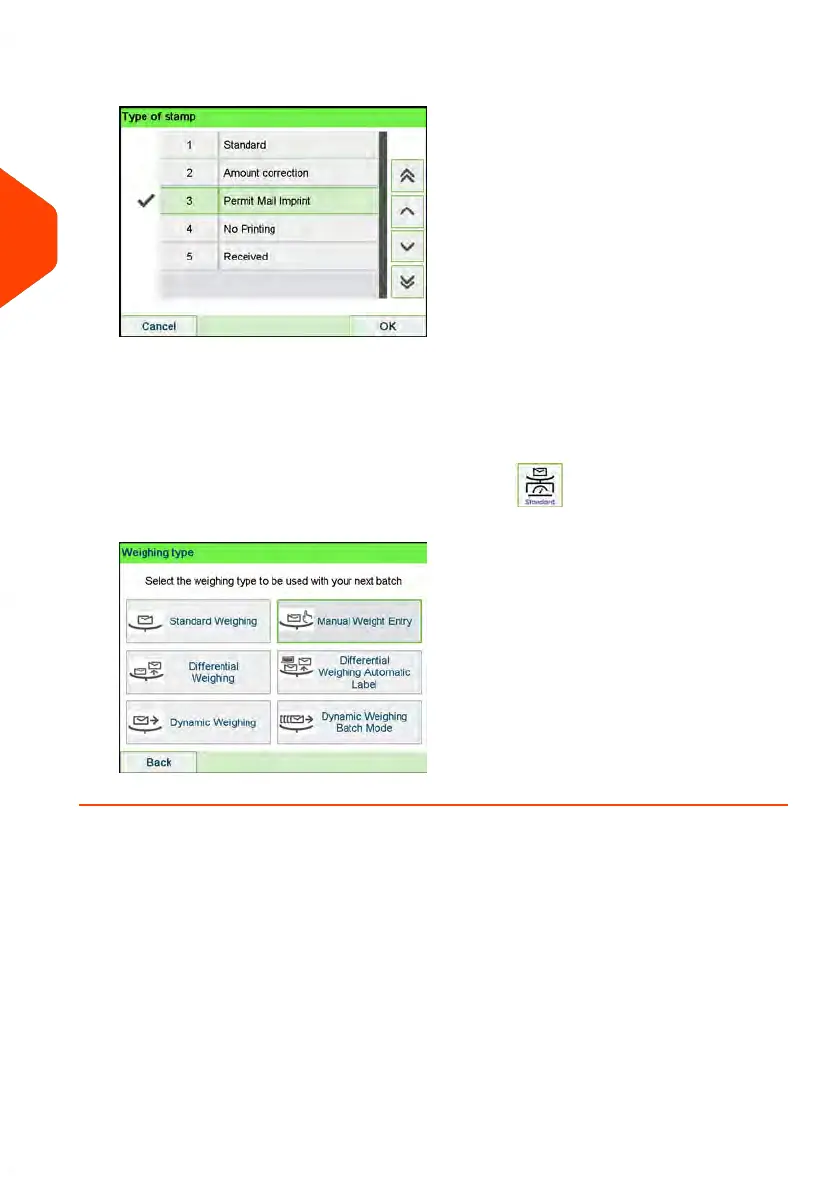
4. Select a weighing type (if you did not enter any amount).
Depending on the quantity and type of mail you have to process, you can choose
an efficient weighing method that uses a weighing platform or the dynamic scale
(if installed) to save time: see Choosing a Weighing Type on page 90.
To change the current weighing method, press and select a weighing type
in the Weighing type screen.
72
| Page 72 | Apr-15-2022 12:02 |
3
Processing Mail















 To Next Page