780C Multi-Interface Interoperability Tester – User Guide Page 58
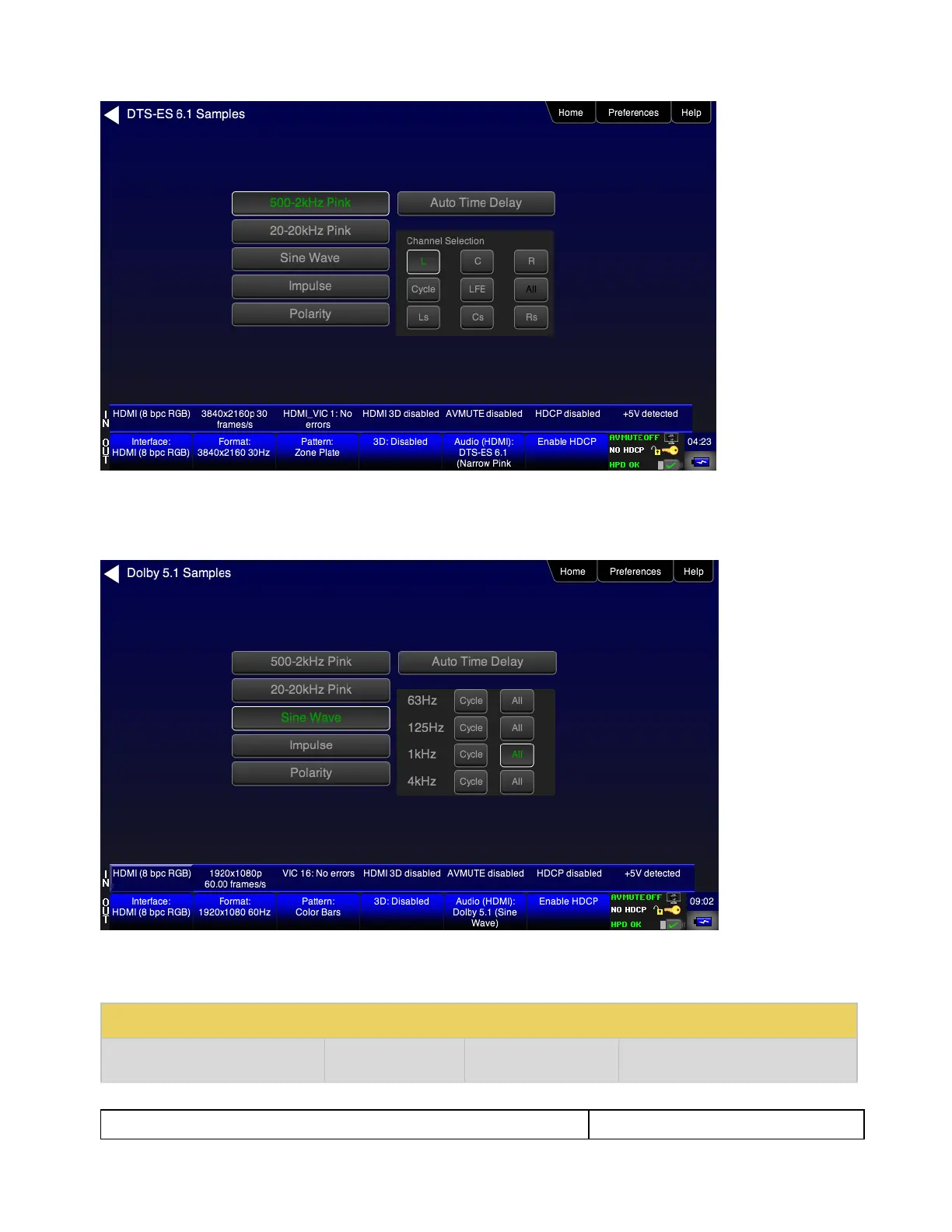
7. Touch select the desired audio test pattern. (500-2kHz Pink is shown selected in the sample screen shot
above and Sine Wave shown in the screen shot below.) Use the information in Table 4-6 below to
understand the application of each audio test pattern.
Note: When selecting Sine Wave at 1kHz or 4kHz the 780 will output 5.0 audio. This is because the subwoofer
frequency response is 20Hz to 200Hz.
Table 4-6: Audio Pattern Tests



 To Next Page