780C Multi-Interface Interoperability Tester – User Guide Page 64
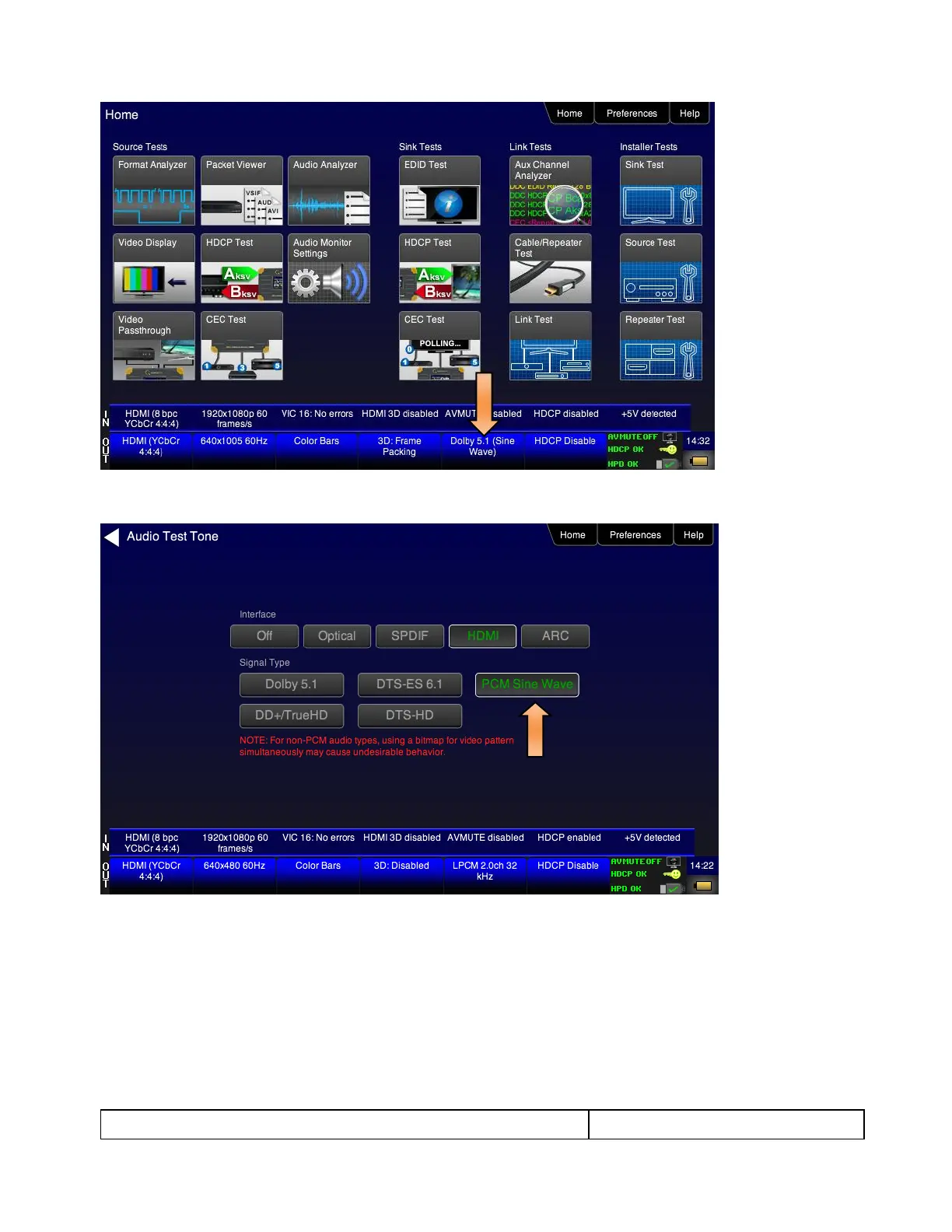
The Audio Pattern (Test Tone) menu appears as shown below:
4. Touch select the desired Interface (shown in the screen above) to select the active digital audio output.
(Optical selected in the example screen shot above.)
5. Double touch select the PCM Sine Wave item (shown in the screen above).
The PCM Sine Wave Options menu appears as shown below:



 To Next Page