780C Multi-Interface Interoperability Tester – User Guide Page 90
5. Return to the Source Test menu by touching the LCD. The Source Test menu reappears as shown below.
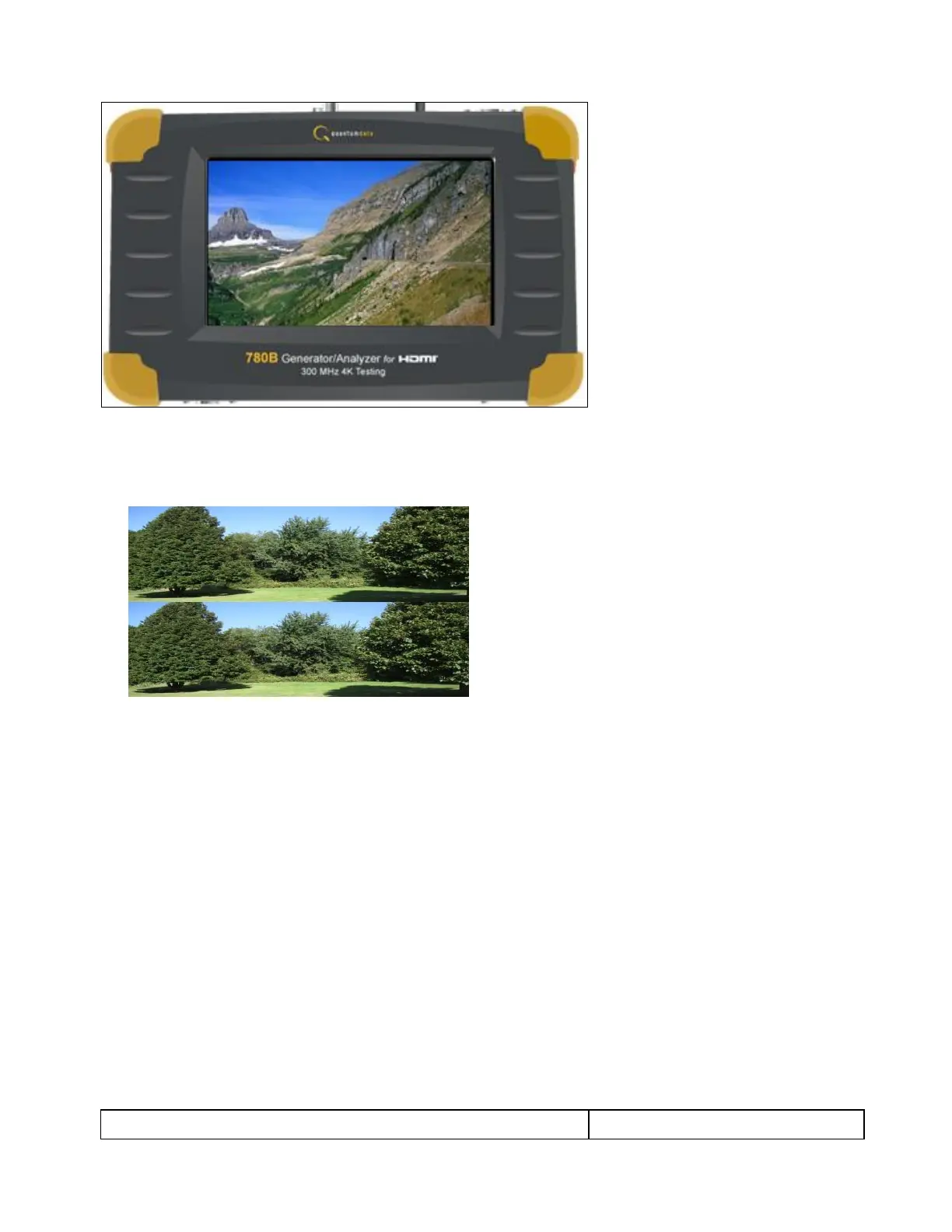
Note that you can also view 3D video bitmaps as well. The following screen is a sample of what a 3D
bitmap would look like. The example below is a Top-and-Bottom format.
6. Touch select the screen to return to Video Display menu.



 To Next Page