Accessory Connector (16 Channel Models Only) GM300 Radio Service Software Manual
6-12 6880902Z36-B October, 1996
Customizing the Expanded Accessory Connector
6
Paging Encoder
RSS LOCATION
DEFINITION This package allows the microphone to remain plugged into the front of the radio
with the modem connected to the rear of the radio. This package was designed to
be used with the Modem 100 which was produced by Motorola. This package can
be used with a variety of Motorola or third party paging encoders.
DEFAULT/CHOICES Refer to Table 10-24 on page 10-15 in Appendix H for defaults.
IMPORTANT NOTE Incompatible with DTMF Decoder Board.
SEE ALSO External Accessories, DTMF Decoder Board, Internal Accessories
PROGRAMMING PROCEDURE
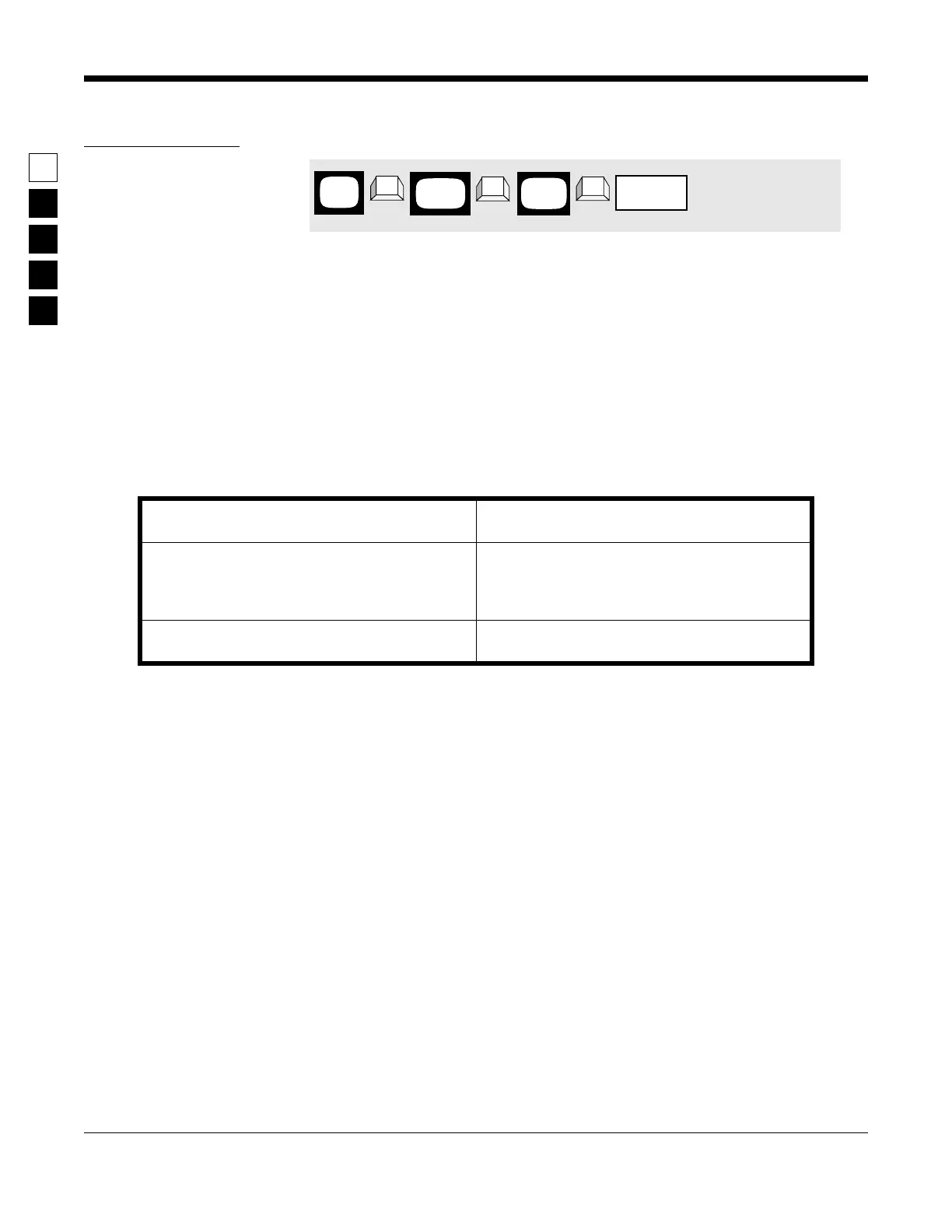
1. Press F4 at the MAIN MENU to get to the
CHANGE/VIEW CODEPLUG MENU.
4. Use the ↑ ↓ arrow keys to select Paging
Encoder.
2. At the CHANGE/VIEW CODEPLUG MENU,
press F2 to get to the RADIO-WIDE screen.
5. To customize the accessory package, press F9
to get to the ACCESSORY CONNECTOR CON-
FIGURATION screen and make the desired
changes.
3. Press Tab or Enter/Return until the Acc. Exter-
nal field is highlighted.
MAIN
MENU
➠
F4
➠
F2
CHANGE/
VIEW
➠
Tab
RADIO
WIDE
Acc. External
field



 To Next Page