October, 1996 6880902Z36-B 2-27
GM300 Radio Service Software Manual Getting Started
Navigating Through RSS Menus
2
Tab
Tab
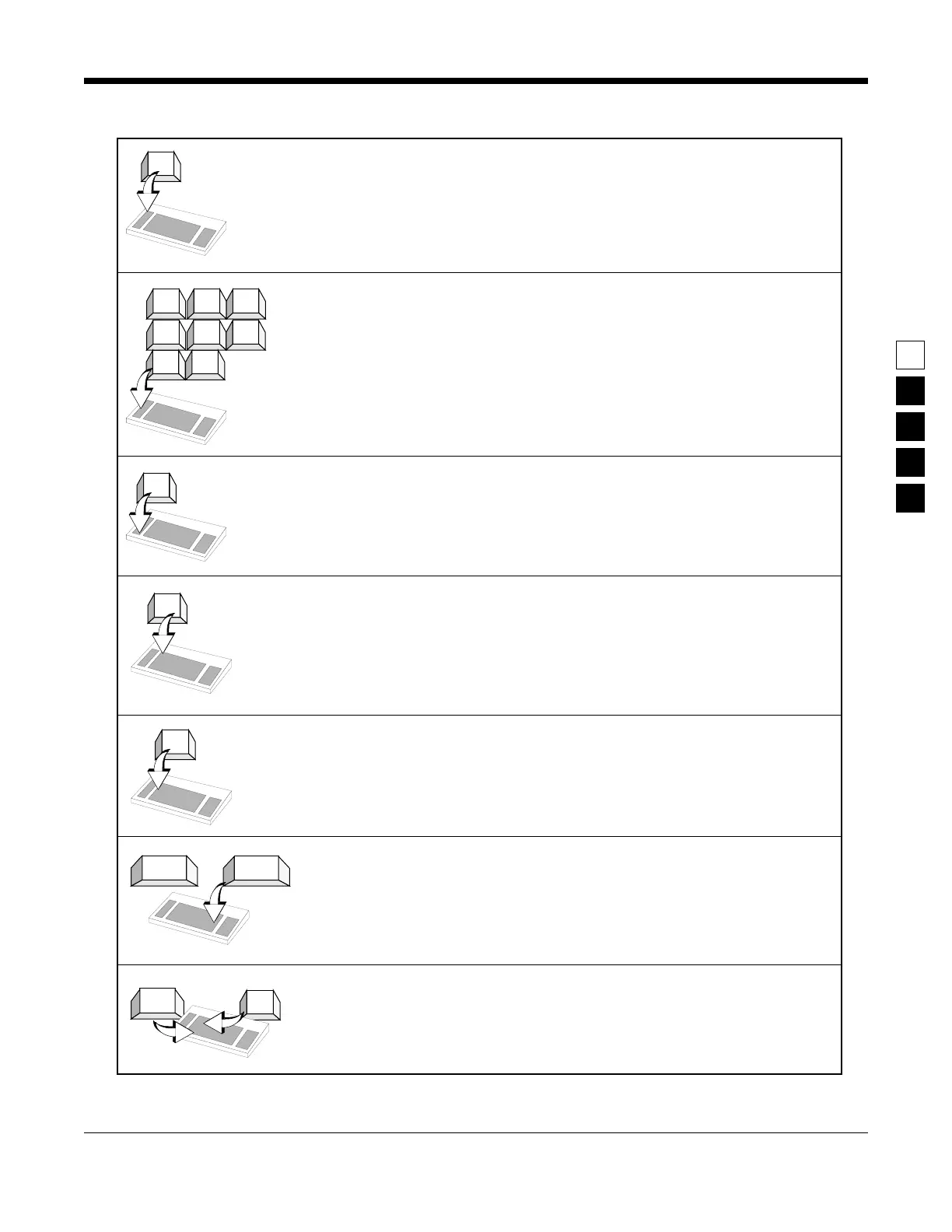
F1 - Displays help information on every screen and menu. This on-
line help provides information on how to use the currently dis-
played menu, screen, line or field. You may also find system setup
information. In many cases the help is provided for the specific line
of the screen that is currently highlighted.
F2 - F9 - Perform special functions. The F2 through F9 keys per-
form specific functions and actions which can vary from menu to
menu and screen to screen. On some screens, F5 will print the cur-
rent screen to your printer, and F8 will save the data and options
currently displayed.
F10 - Exit to previous menu or screen. The F10 key moves the dis-
play backward in the RSS tree, one screen or menu at a time. F10
performs this function on every menu and screen.
Esc - Exit to MAIN MENU. Esc performs this function on every
menu and screen.
Tab - Accepts data currently in field then moves prompt forward
one field. If a field’s entry is not accepted, an “error beep” will
sound. Performs exactly like Enter or Return key.
Enter or Return - Accepts data currently in field then moves
prompt forward one field. If entry is not accepted, an “error beep”
will sound. This key is usually two to four times as big as the letter
keys on the keyboard. Performs exactly like Tab key.
Back Tab (Shift + Tab) - Accepts data currently in field then moves
the prompt backward one field at a time. To backtab, press and
hold a Shift key and then press the Tab key.
F1
F2
F3
F4
F5
F6
F7
F8
F9
F10
Shift
Esc
ReturnEnter
or
✚



 To Next Page