Getting Started GM300 Radio Service Software Manual
2-28 6880902Z36-B October, 1996
Navigating Through RSS Menus
2
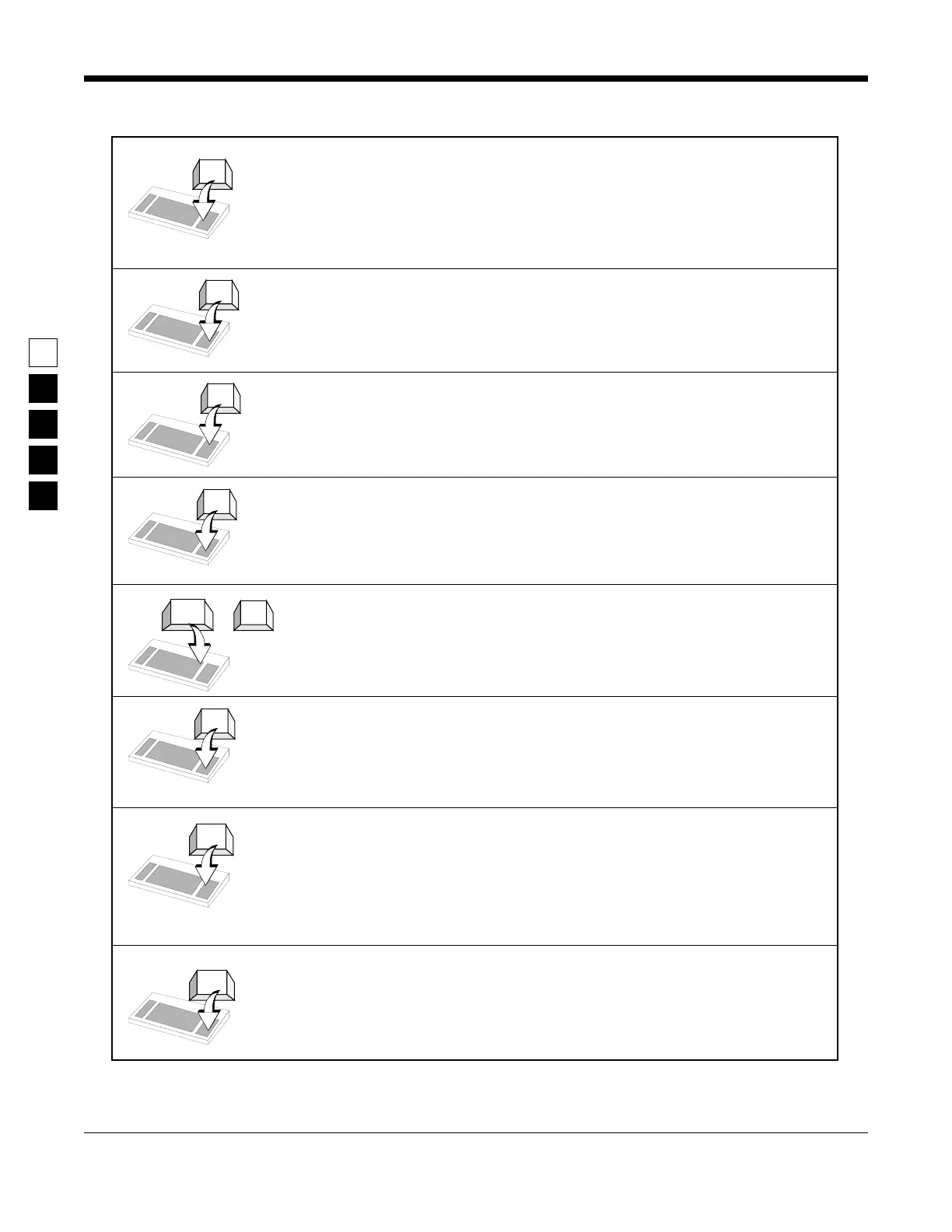
Left Arrow moves cursor left one character. The Backspace key
will also move the cursor backwards (left) one space at a time. Num
Lock (a keyboard key) must be turned off.
Right Arrow moves cursor right one space. Num Lock (a keyboard
key) must be turned off.
Up Arrow - Scrolls through selections, or increases the current rela-
tive value. Num Lock (a keyboard key) must be turned off.
Down Arrow - Scrolls through selections, or decreases the current
relative value. Num Lock (a keyboard key) must be turned off.
Back Space - Erases the current character in the field and moves
cursor one space backward (left). The back space key on some key-
boards is a left arrow. Num Lock (a keyboard key) must be turned
off.
Del - Erases current character in field.
PgUp - Displays the previous page of information on the screen.
This is on the numeric keypad, generally found on the right side of
the keyboard. NUM LOCK (a keyboard key) must be turned off.
PgDn - Displays the next page of information on the screen. This is
on the numeric keypad, generally found on the right side of a key-
board. NUM LOCK (a keyboard key) must be turned off.
←
→
↓
↑
Back
Space
←
or
PgUp
PgDn
Del



 To Next Page