Wrist Camera Instruction Manual
Background contrast
To ensure a good model and part detection from the Vision system, you should use a background that has a high color
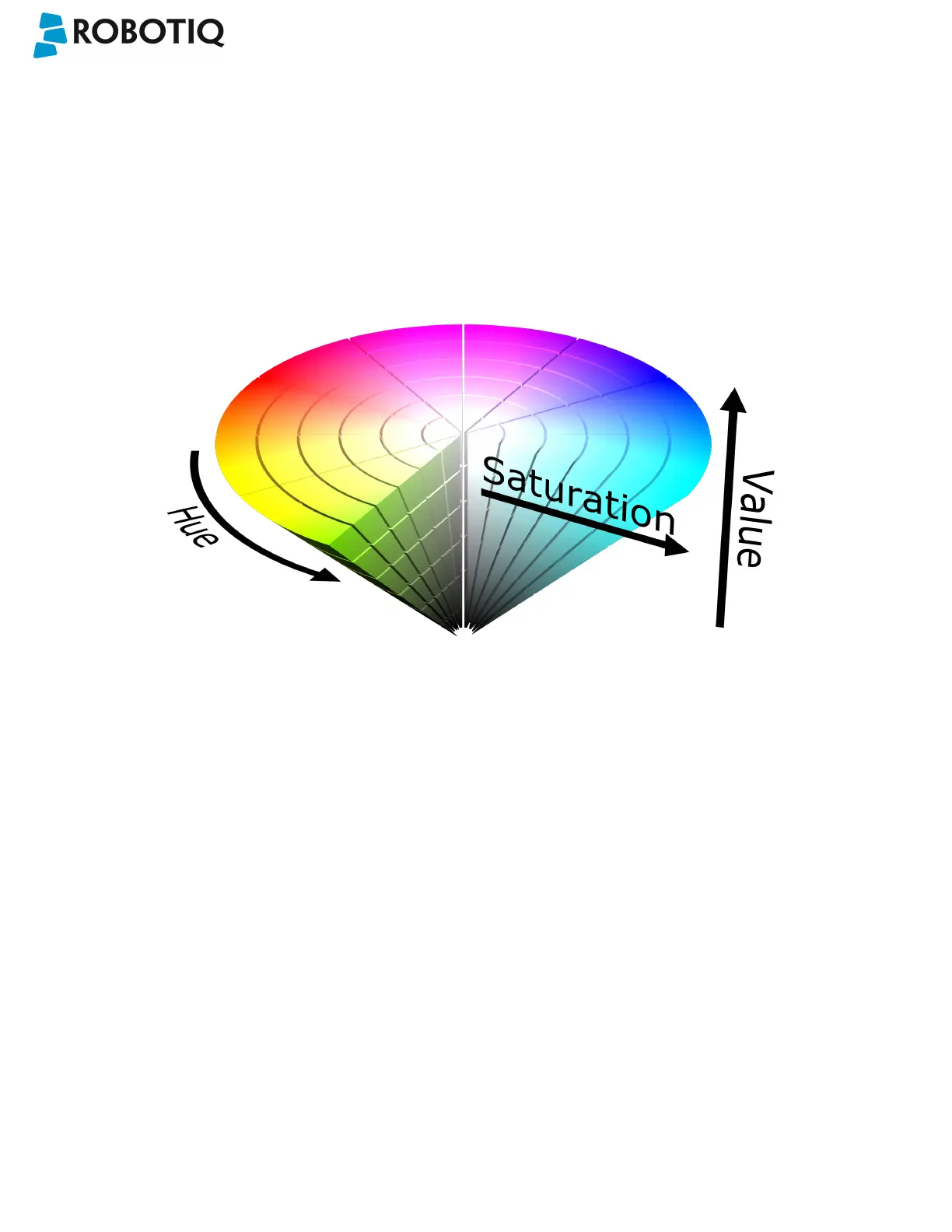
contrast with the part to be detected. You must choose colors that are apart horizontally on the HSV cone shown below.
Therefore, a change in value (intensity) only does not represent a good contrast. There has to be a great difference in hue
and saturation to obtain a good object model from the object teaching wizard. You can use either the yellow or pink side
of the colored background provided with the camera kit. If required, use a different colored background to teach yourpart.
Fig. 7-7: HSV color cone.
©Robotiq inc. 2016-2018
100



 To Next Page