Wrist Camera Instruction Manual
Features
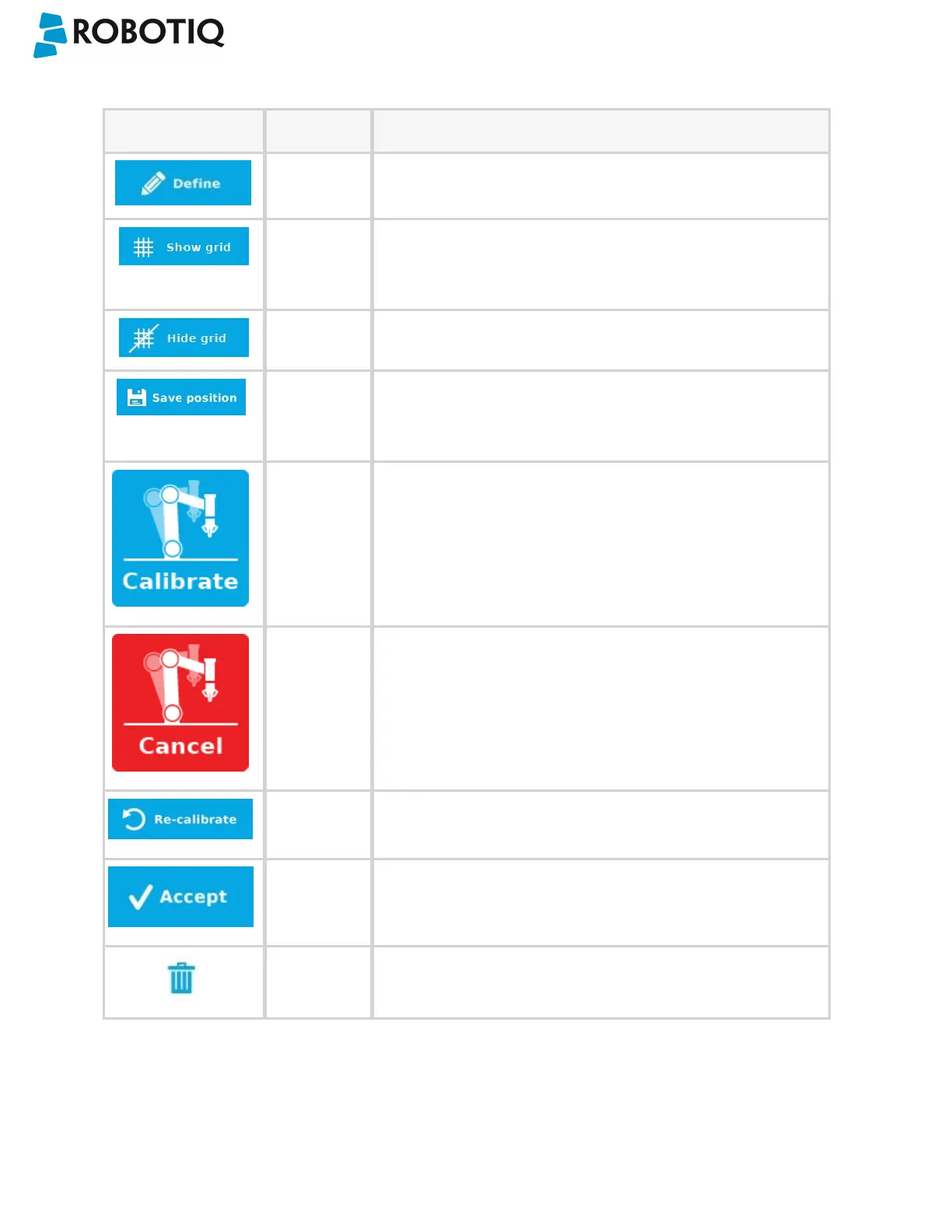
Icon Feature Description
Define Launches the Snapshot Position definition wizard.
Show grid Displays a grid on the camera's field of view.
Meant to test the camera’s height relative to the workplane : a
part should be at least as large as a square of the grid.
Hide grid Hides the grid of the camera's field of view.
Save
position
Saves the robot position for the Snapshot Position.
This is the position from which the robot will do the part
detection.
Calibrate Starts the calibration procedure.
The robot will move automatically to defined positions for the
calibration.
Cancel Cancels the calibration procedure while it is running.
Re-calibrate Restarts the calibration procedure.
Accept Accepts the calibration process.
Delete Deletes a defined Snapshot position.
©Robotiq inc. 2016-2018
37



 To Next Page