Wrist Camera Instruction Manual
Automatic area selection
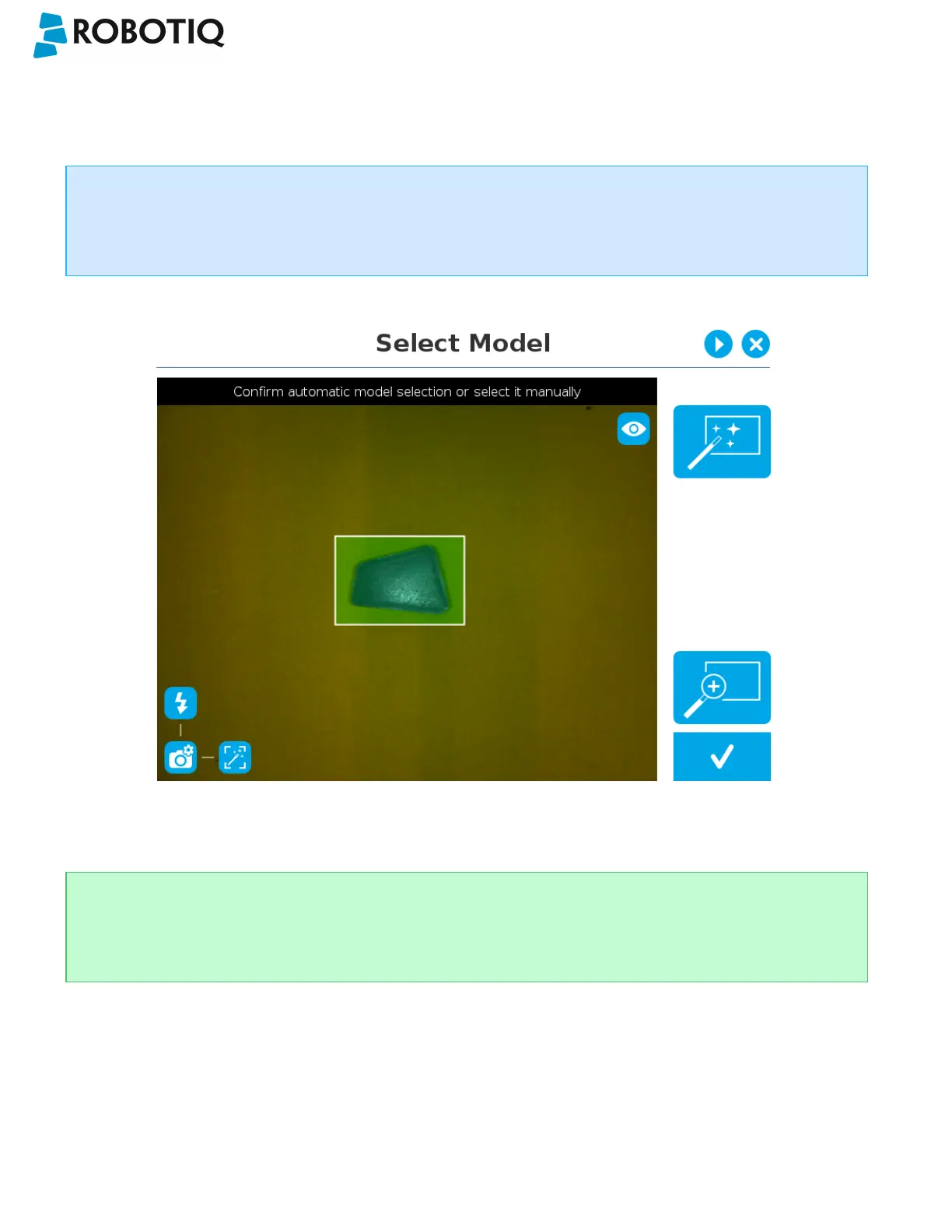
The object is selected since the Magic Wand tool is enabled by default. The Magic Wand feature allows to locate objects
on the background without user intervention.
Info
For the automatic area selection feature to function properly, the user has to employ a uniform background, and a
single object with well defined edges.
Fig. 5-4: Select Model step with object automatically selected by the Magic Wand tool
Tip
Tapping the Magic Wand tile in the right pane of the PolyScope interface switches the area selection mode to
Manual.
©Robotiq inc. 2016-2018
46



 To Next Page