Wrist Camera Instruction Manual
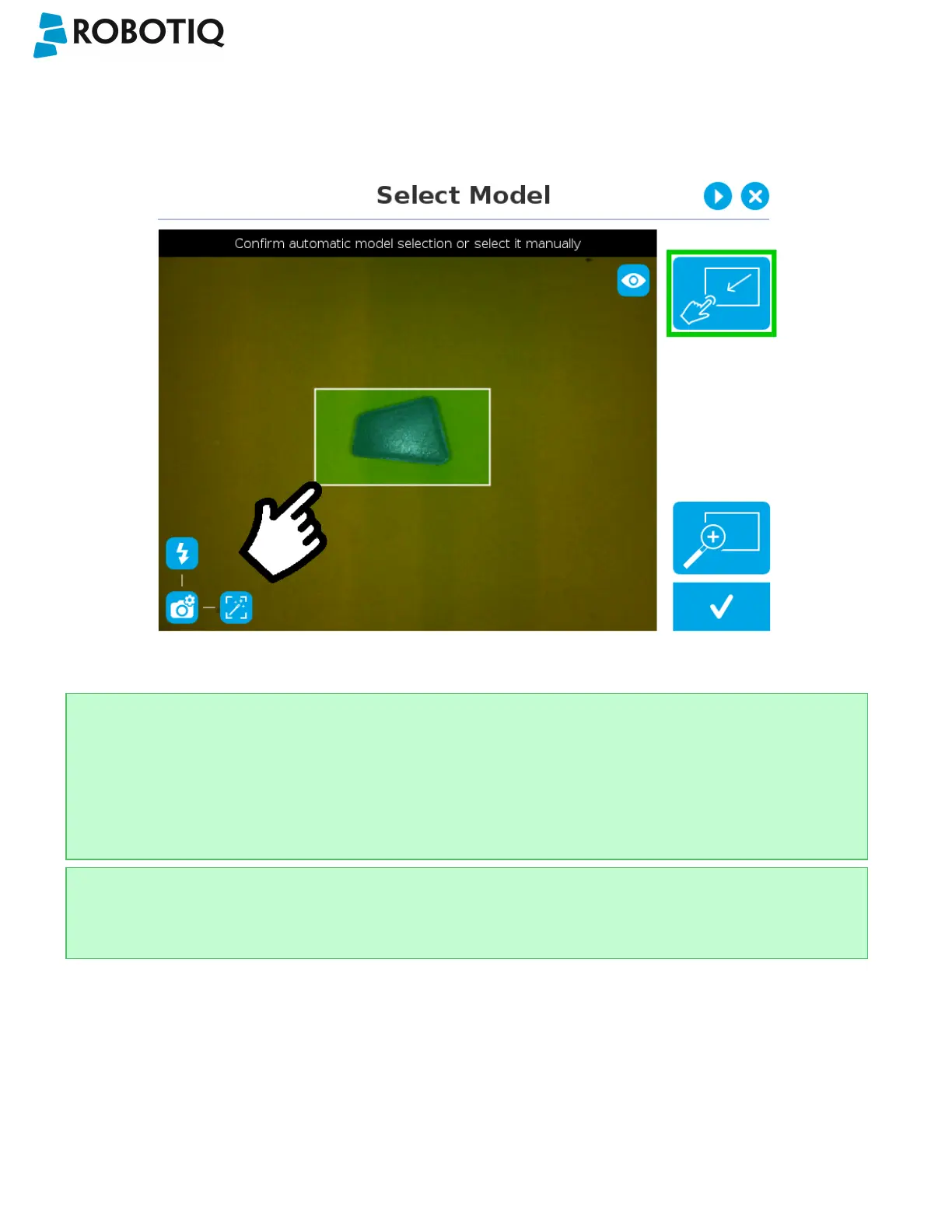
Manual area selection
The user then selects an area by tapping the screen and dragging his/her finger to contain the desired object in the
selection area.
Fig. 5-5: Select Model step with Manual area selection feature
Tip
The manual area selection is useful for careful inspection of specific features using the zoom function.
Refer to the Zoom section for more details.
The manual area selection can also be used for partial custom object selection (i.e. for selecting standalone
features or components of an object).
Tip
Tapping the Manual selection button in the right pane will bring back the Automatic area selection mode.
©Robotiq inc. 2016-2018
47



 To Next Page