Wrist Camera Instruction Manual
Camera views
Standard view
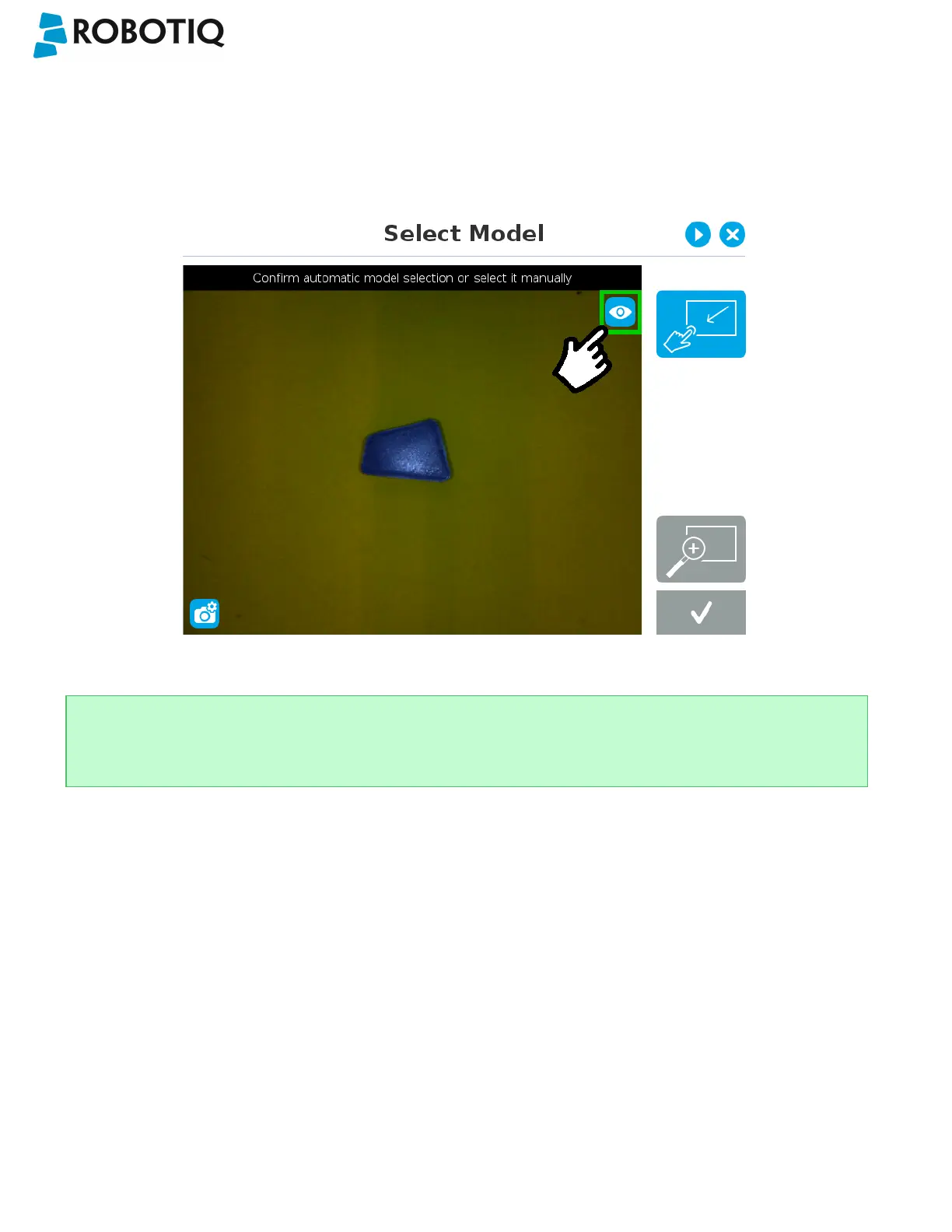
When in standard view mode, the camera feed displays a reasonably faithful image based on what is normally perceived
by the human eye (colored object on colored background).
Fig. 5-6: Select Model step with standard view enabled
Tip
Tapping the eye button in the upper right corner of the camera feed window will bring up the machine view.
©Robotiq inc. 2016-2018
48



 To Next Page