Wrist Camera Instruction Manual
The manual focus feature allows the user to adjust the depth of field. Tapping the flower button reduces the focus value,
making the depth of field narrower, while tapping the mountain button increases the focus value, making the depth of field
deeper.
Zoom
The zoom-in/zoom-out tool is used to toggle between a high-level view and a more explicit view of the selection area
(andobject).
Zoom in
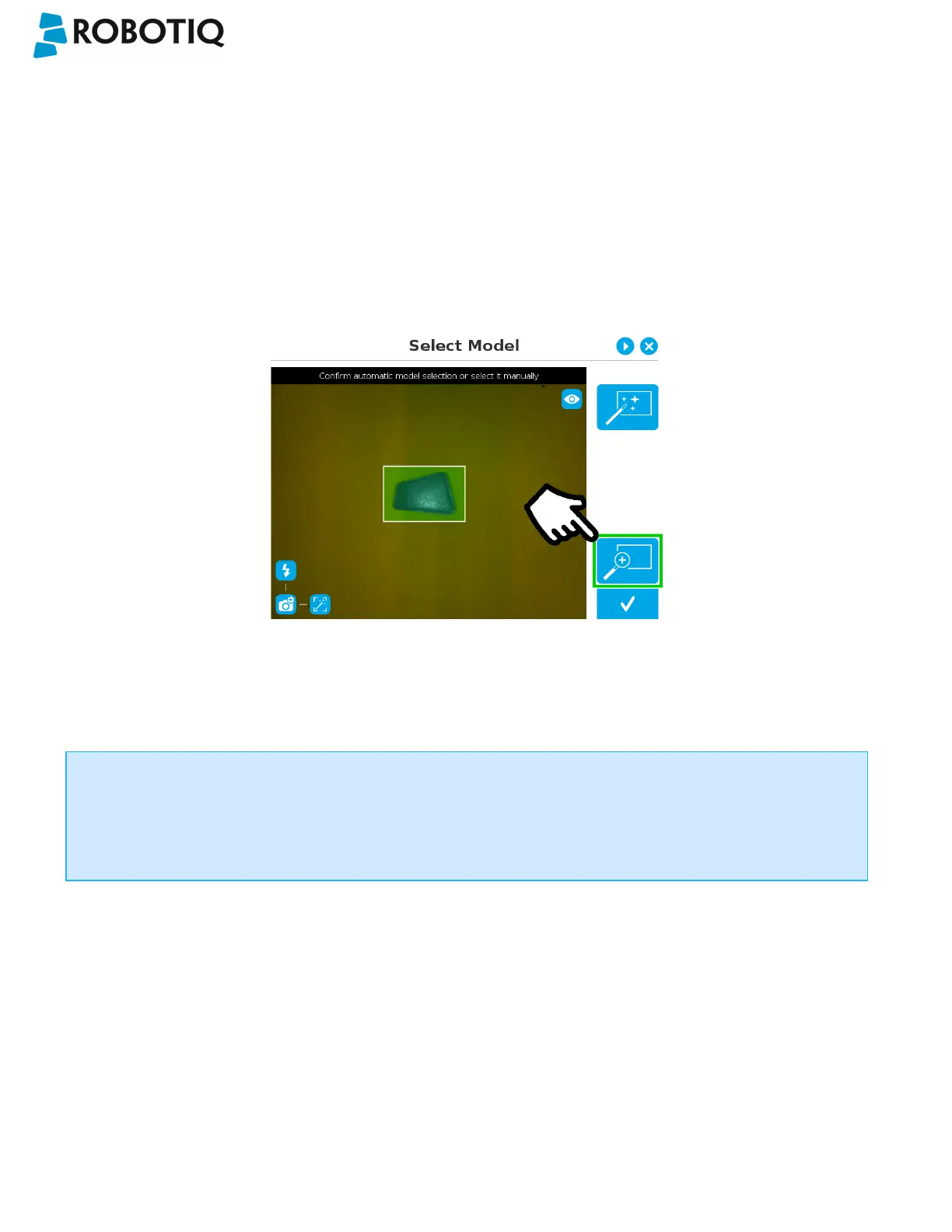
Fig. 5-11: Select Model step with Zoom in button highlighted
In order to zoom in on the selection area, the user has to tap the magnifier with a plus symbol in the lower right corner of
the teach pendant interface.
Once zoomed in, the user can perform focus adjustments to improve the recognition of edges in the model.
Info
Note that when zoomed in, the user can neither change the area selection mode nor accept the model selected
(the buttons are greyed out). The zoom in feature is therefore solely used for inspecting the model in details and
for adjusting the depth of field via the manual focus settings.
©Robotiq inc. 2016-2018
54



 To Next Page