Wrist Camera Instruction Manual
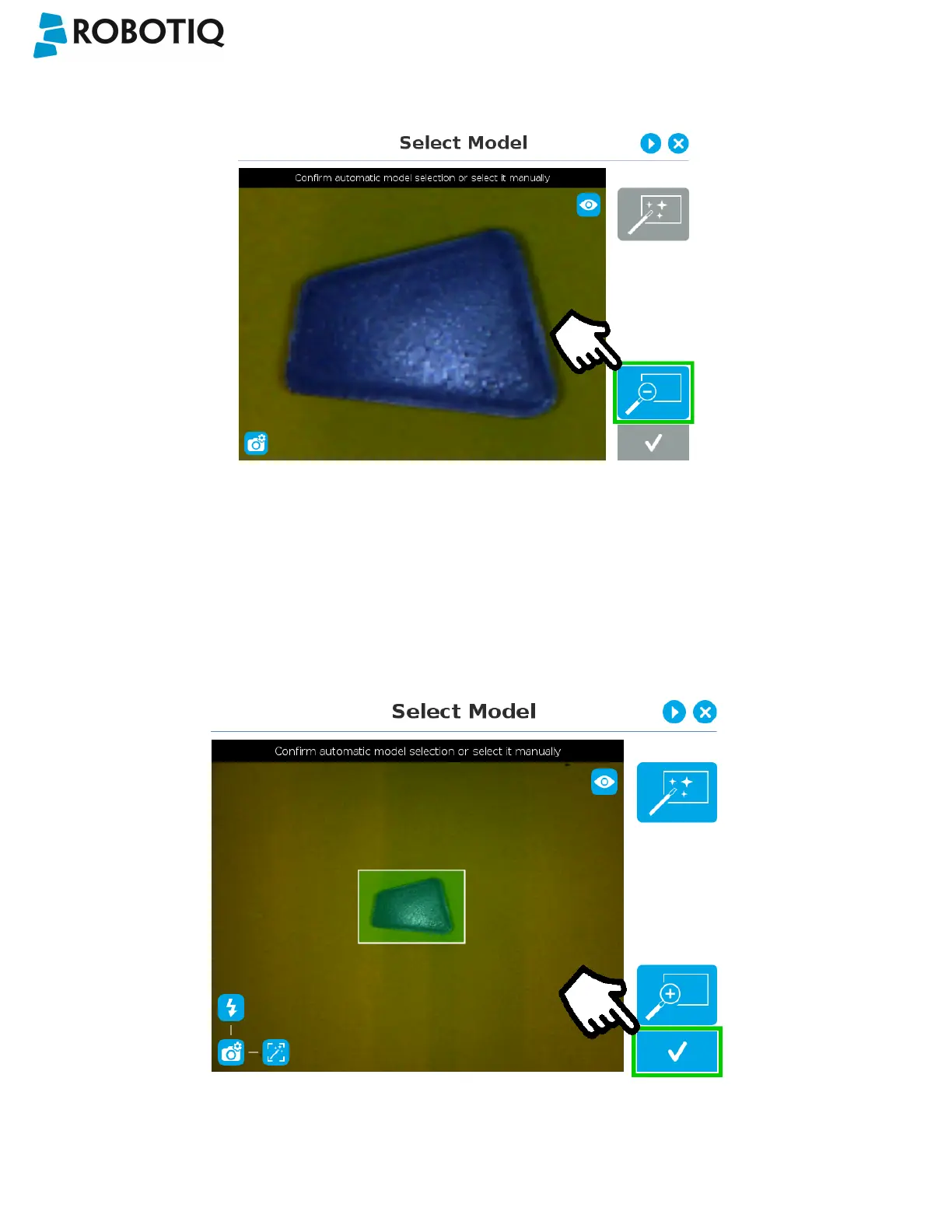
Zoom out
Fig. 5-12: Select Model step with Zoom out button highlighted
In order to zoom out from the selection area, the user has to tap the magnifier with a minus symbol in the lower right corner
of the teach pendant interface.
Accepting the model
When the view of the model selected is satisfactory and you wish to carry on with the teaching wizard steps, tap the button
with the check mark in the lower right corner of the teach pendant interface.
Fig. 5-13: Select Model step with Accept button highlighted
©Robotiq inc. 2016-2018
55



 To Next Page