Wrist Camera Instruction Manual
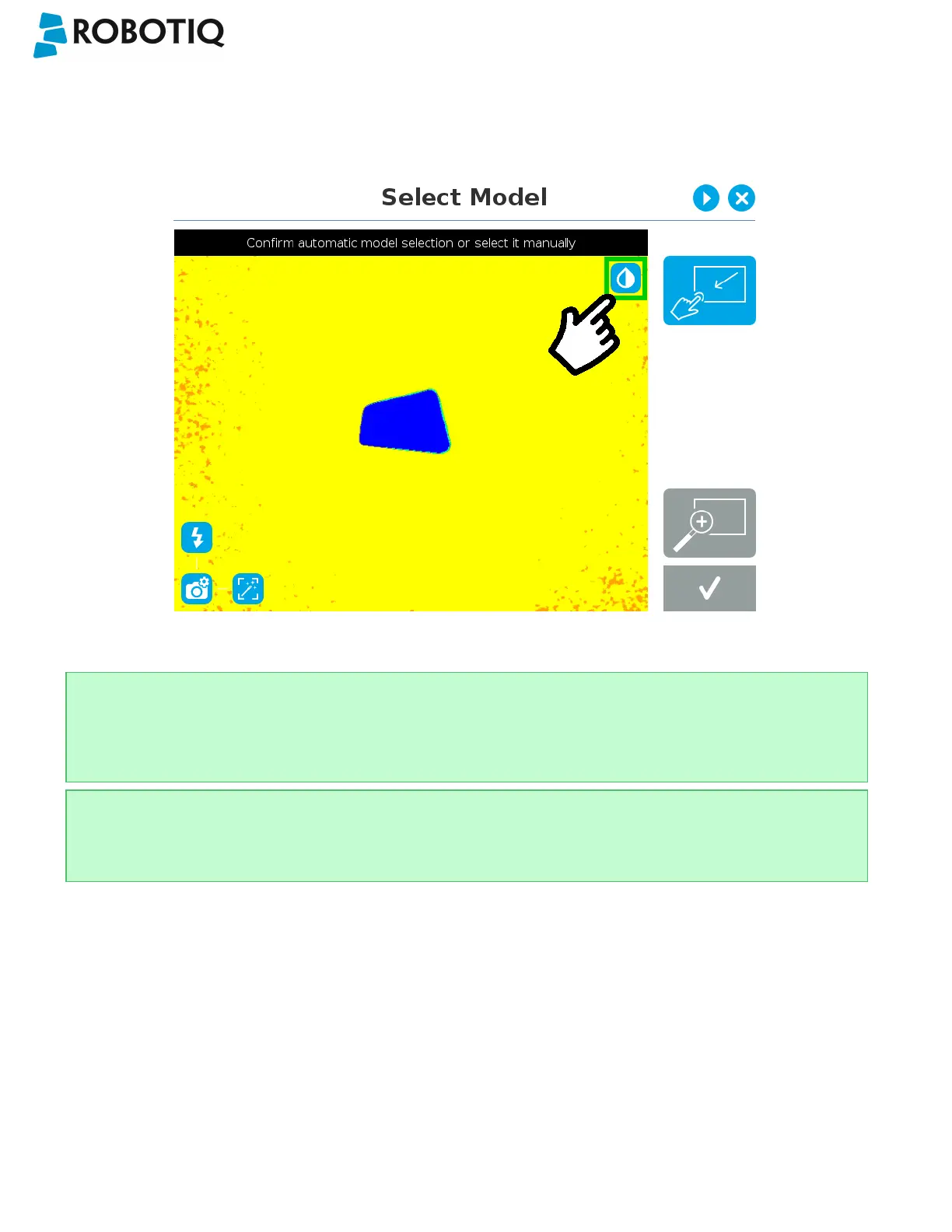
Machine color view
The user can access the Machine color view by tapping the Machine edge view button in the upper right corner of the
camera feed window. The Machine color view displays the elementary colors perceived by the vision system.
Fig. 5-8: Select Model step with Machine color view enabled
Tip
The Machine color view is a convenient tool that can be used to better understand the color signature and scale
used by the system.
Tip
Tapping the drop button in the upper right corner of the camera feed window will bring up the standard view.
©Robotiq inc. 2016-2018
50



 To Next Page