Wrist Camera Instruction Manual
Camera LEDs
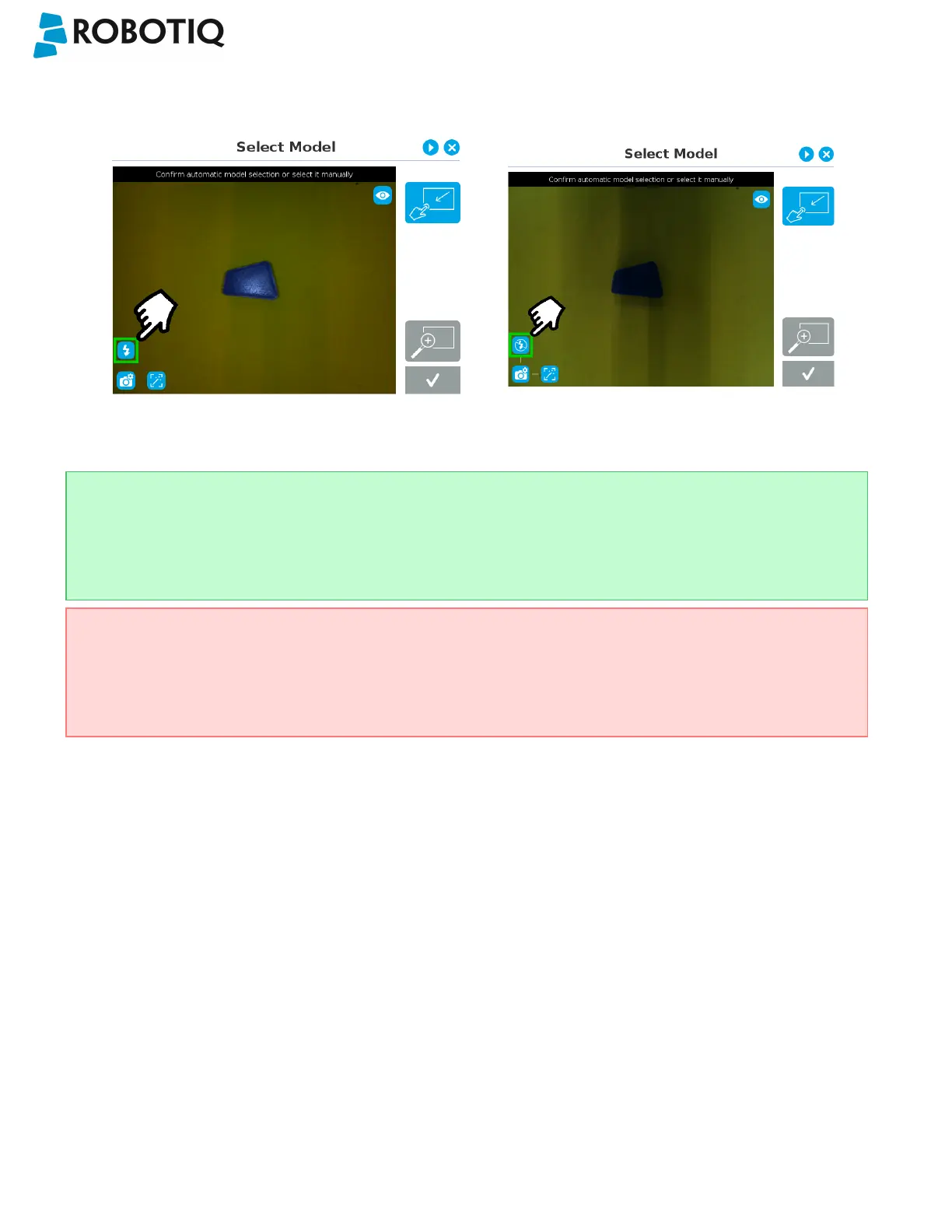
Camera LEDs ON Camera LEDs OFF
Tip
The LEDs, when turned ON, sometimes highlight undesirable features or create reflections that distort the
teaching process. It is recommended to try both settings when teaching the object in order to select the most
conclusive result.
Warning
The flash and focus settings selected will be used at runtime unless changes are made at the Configure Model
step at the end of the teaching process.
Please refer to the Configure Model section for more details.
©Robotiq inc. 2016-2018
52



 To Next Page