Wrist Camera Instruction Manual
2
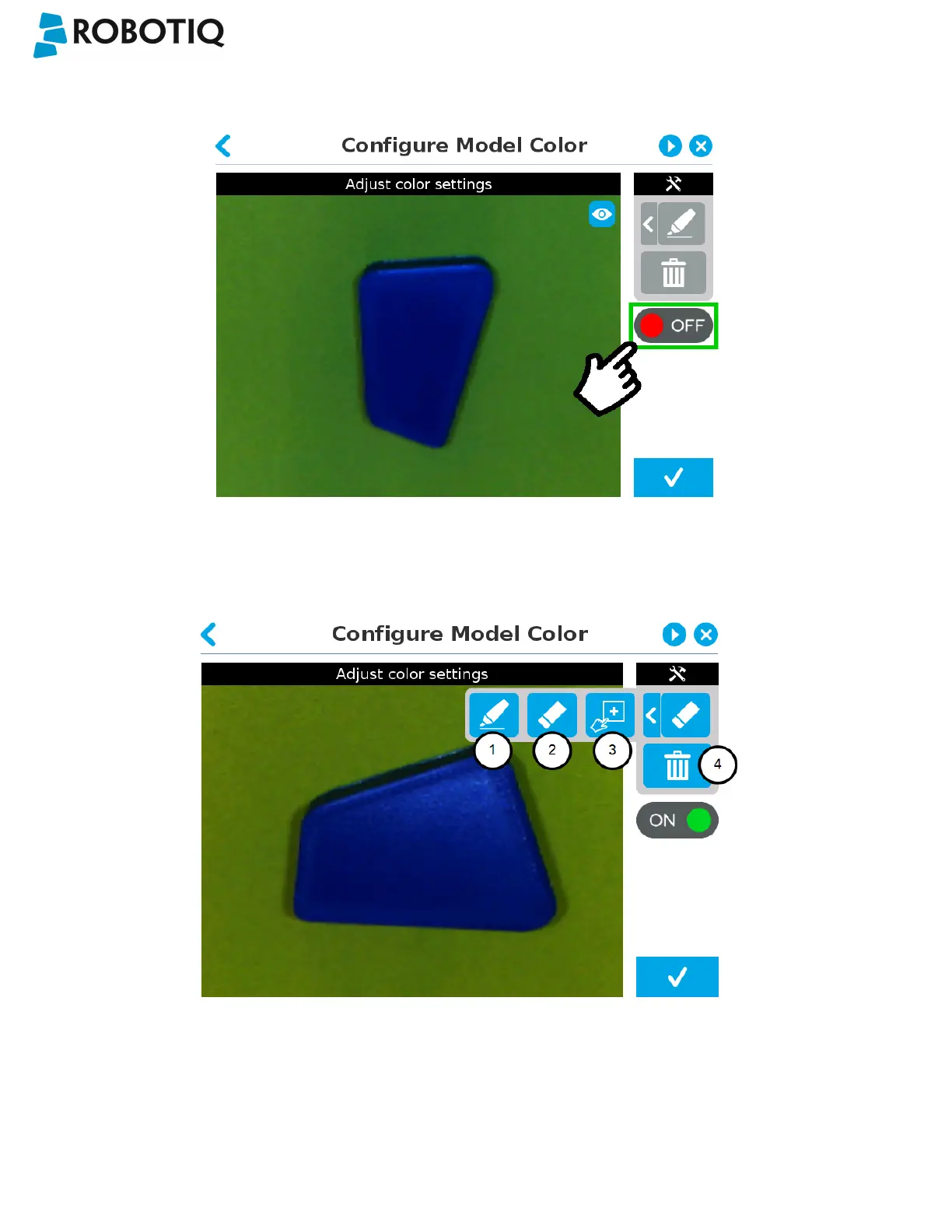
Turn on color validation by tapping the red button on the right side of the screen.
Fig. 5-23: Configure Model Color model with ON/OFFbutton highlighted
Color sampling tools
1
Marker
The marker tool can be used to highlight features and edges to include and keep in the color sampling area.
Slide your finger or pointing device on the desired area(s) on the teach pendant. A green layer mask will be applied to
the highlighted portion of the model.
©Robotiq inc. 2016-2018
72



 To Next Page