51 / 291 - EN -
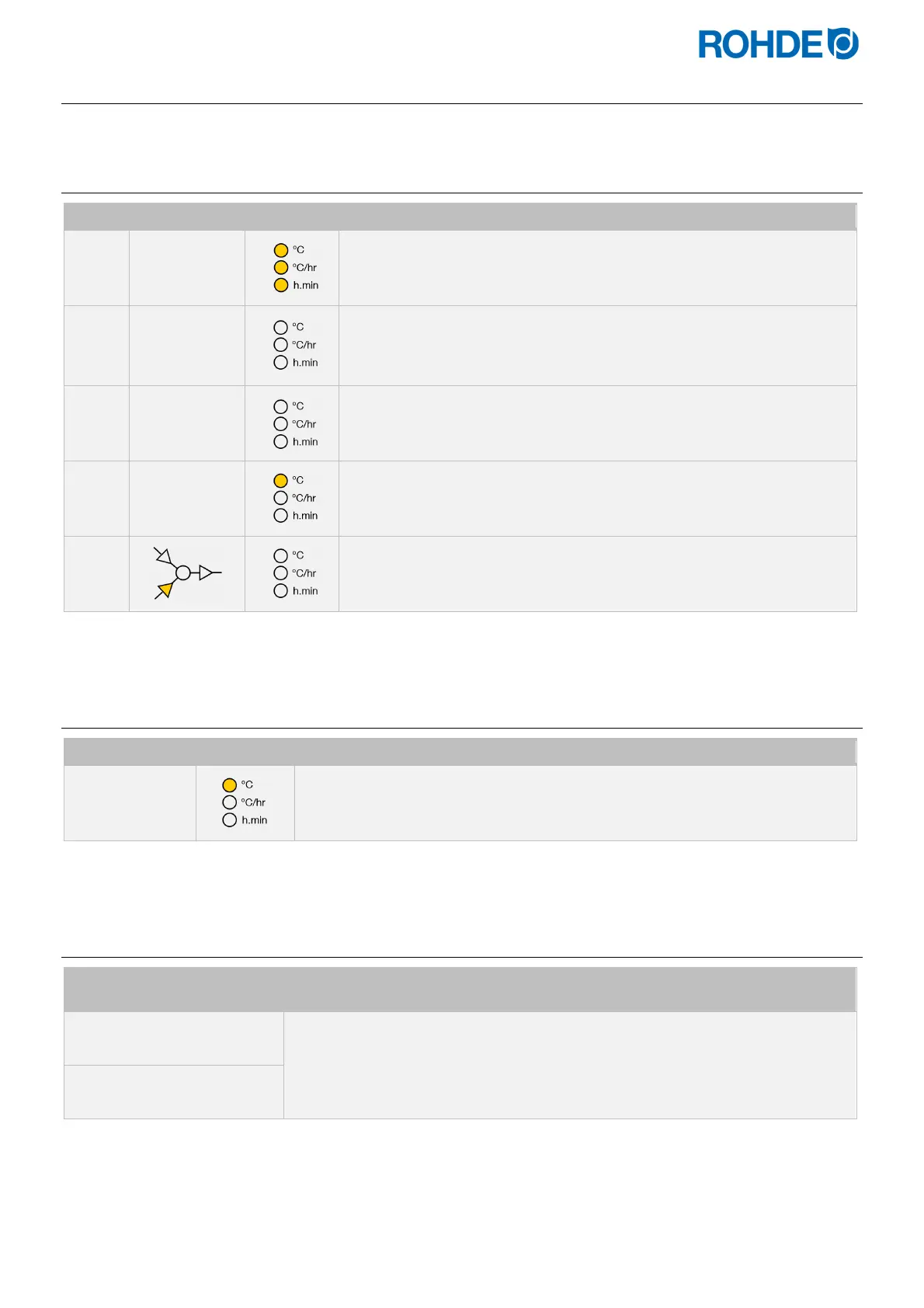
6.3. Display screens after switching on
6.3.1.
Display screens after switching on
Step Display Icon Description
1
8.8.8.8.
After switching on, the controller carries out a display test.
All indicators light up.
The controller will sound a short beep.
2
F 6.0 3
The controller displays the version number of the integrated software.
When contacting technical customer support, you will need:
the version number
the serial number of the device
3
t C.S
The thermocouple type setting is now displayed.
This should match the type of thermocouple fitted to the kiln and can be
R, S, K or N.
4
20
The final display shows the kiln temperature.
No other illuminated elements should not light up during this time.
5
If any graphical display LEDs are on, then the control unit is firing.
The firing process can be stopped with the
j
key.
6.3.2.
Display in firing mode
Display Icon Description
4 1 1
.
During firing, the illuminated (decimal) point to the right of the temperature (“411”)
in the display shows that the kiln is heating up.
6.3.3.
Segment display
Display screen Segment Description
° C
When the controller is switched on, the segment display shows the possible
temperature units during operation (°C/°F).
The temperature units can be configured as parameters (see Section 12.).
° F


 To Next Page
 Loading...


