77 / 291 - EN -
12. Parameter configuration
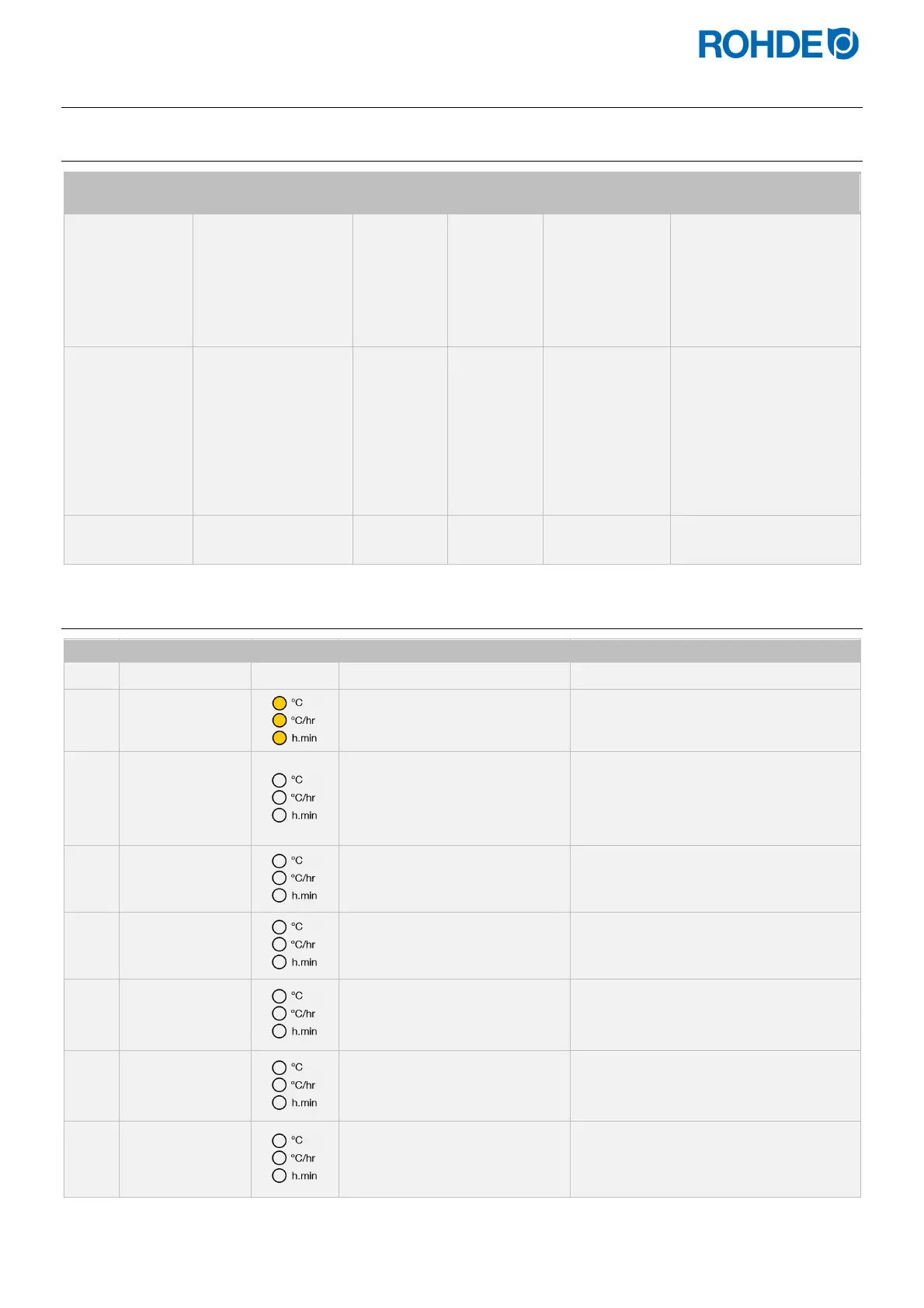
12.1. Available parameters
Parameter no. Parameter function Min. value
Max.
value
Default setting
Description of the
value
14
Kiln performance
display in kW
0 9999 0
1 unit = 0.1 kW
E.g.:
For a kiln with an output
of 10 kW (see kiln
nameplate), enter the
value “100”.
45
Additional switch
output 230 V
(ST 411 only)
0 1 1
0 = disabled
1 = event
2/3 = ATTENTION:
Parameter 2 or 3 must
not be used if it is
available!!!
50
Logging interval data
on USB in s
5 300 60 1 unit = 1 s (second)
60
Temperature display
in °C or °F
0 1 0
0 =°C
1 = °F
12.2. Changing parameters
Step Display Icon Description Remark
1
Switching the control unit off
2
8.8.8.8.
Switch on the control unit and
press the
j
key at the same
time.
3
tC.S
Hold down the
j
key until the
set thermocouple type is shown
in the main display.
The thermocouple type is only
displayed and cannot be changed
here.
The thermocouple is preconfigured
at the factory.
4
tC.S
Release the
j
key.
5
P14-
The main display shows the first
configurable parameter.
6
P45-
The parameter to be configured
can be selected by pressing the
d
and
f
keys.
7
0
The set value of the parameter
to be configured can be called
up with the
g
key.
8
1
This can be altered by pressing
the
d
&
f
keys.



 To Next Page
 Loading...

