59 / 291 - EN -
7.4. Event programming (ST 411 only)
When programming a ramp or a soak period – while programming a firing program – the switch output can also be
selected for the respective program step by pressing the switch output (event) key.
7.4.1.
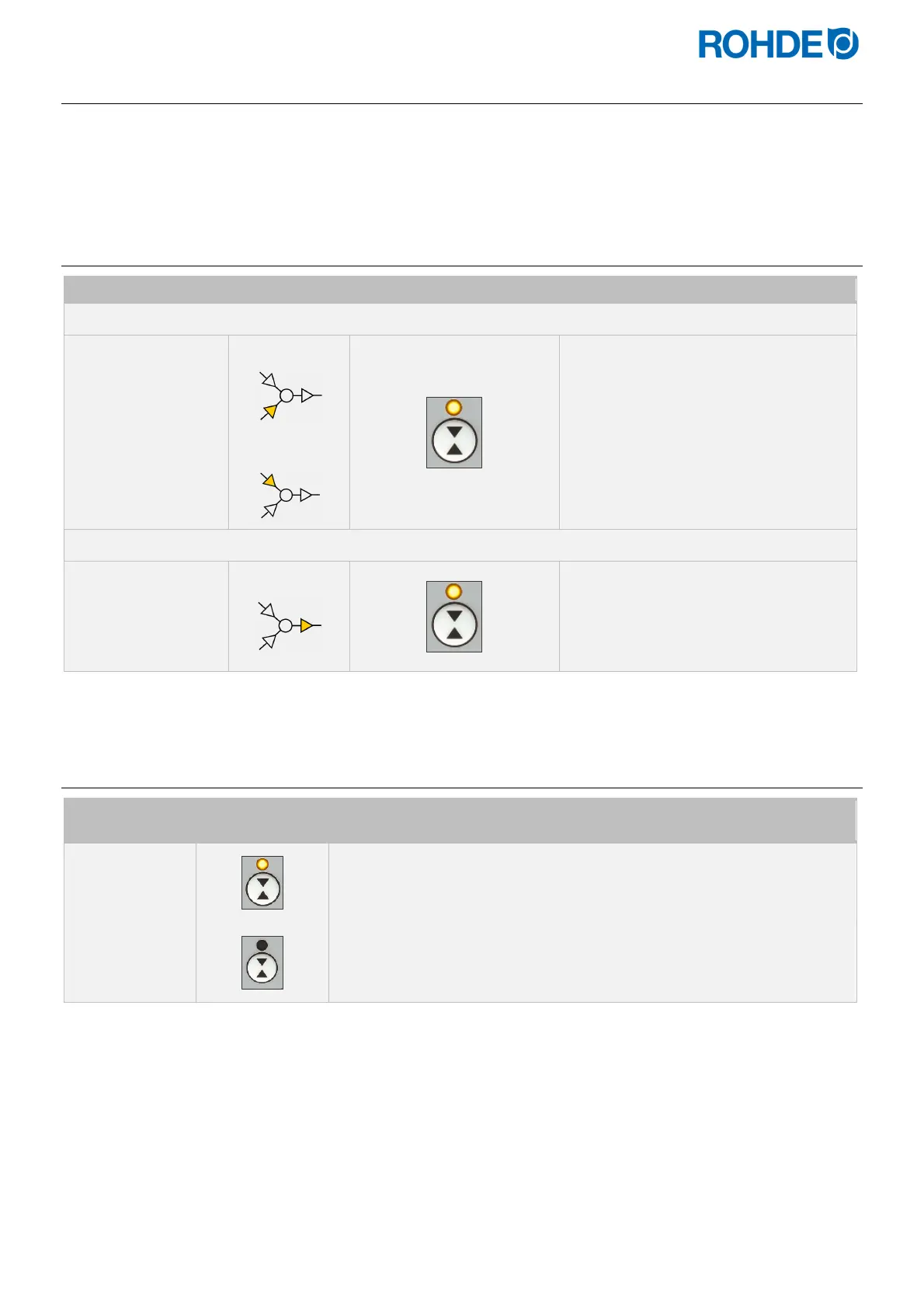
Event programming
Main display Meaning Switch output indicator Description
Heating or cooling ramp
150
Heating ramp
Cooling ramp
Event 1:
While programming a ramp, press
the
*
key to select event 1.
Soak time
00. 15
Soak time
Event 1:
While programming a soak time, press
the
*
key to select event 1.
7.4.2.
Switch outputs (event) indicator
Switch output
Switch output
indicator
Description
Event 1 ON
The indicator LED for the switch output (event ) lights up (relay contacts are
closed).
Event OFF
The indicator LEDs for the switch output do not light up (relay contacts are
open).
Note:
Before the program runs, the switch output (event) is inactive (relay contacts are open).


 To Next Page
 Loading...


