70 / 291 - EN -
10.2.3.
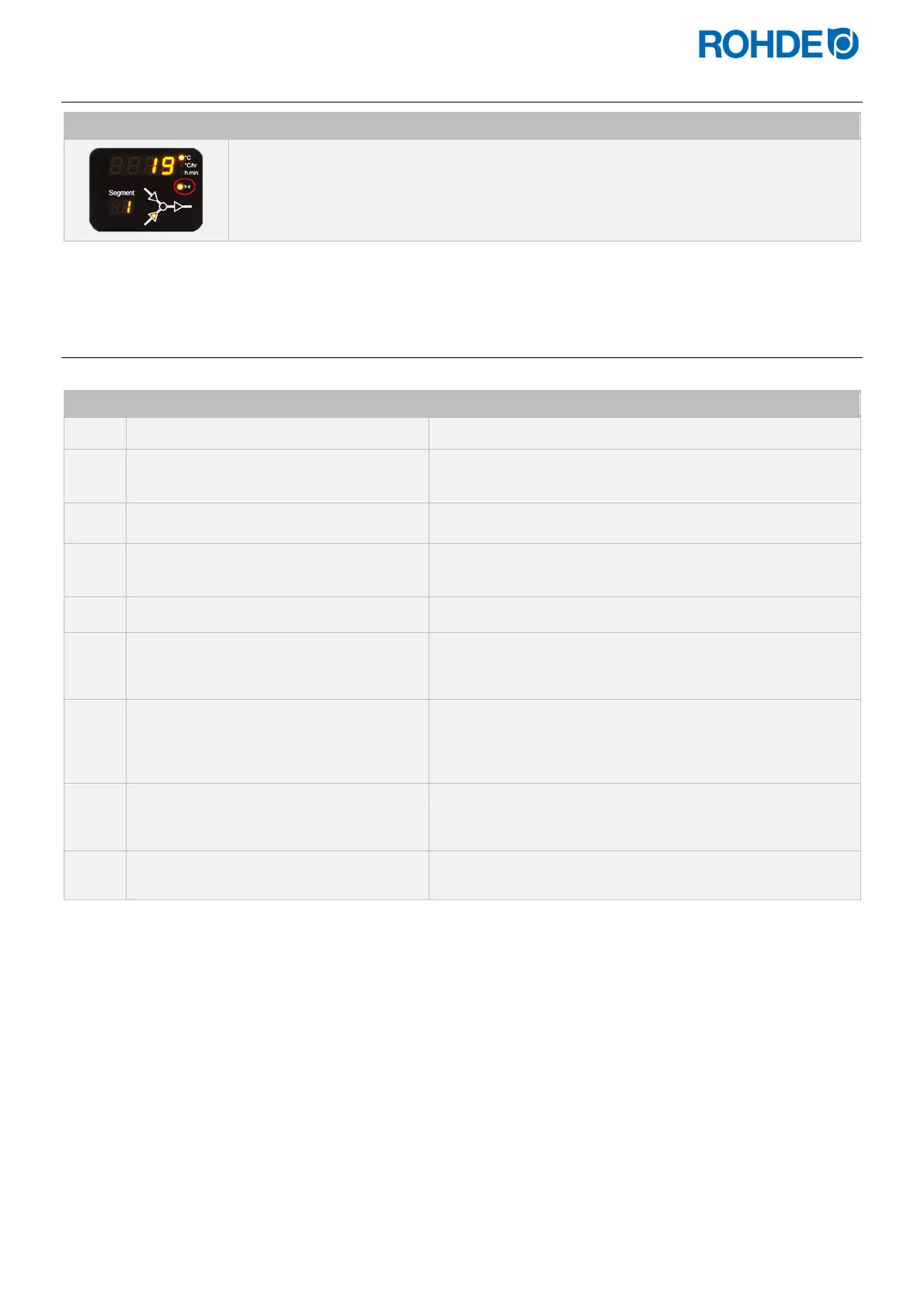
“Data transmission” indicator (ST 411 only)
Display Description
The “Data transmission” indicator light flashes when information is being sent over the
wireless network.
10.2.4.
Establishing a connection via a Wi-Fi router [WPS function)] (ST 411 only)
Connecting the ST 411 control unit to a wireless network (Wi-Fi):
Step Description of the process Remark
1
Switch the control unit off.
2
Press the
d
key and switch on the
control unit.
3
Hold down the
d
key when switching on.
4
Hold down the
d
key until “PAIR”
appears in the main display.
5
Release the
d
key.
To connect the control unit to a wireless network (Wi-Fi).
6
Press the WPS key on the wireless router.
Information on the WPS key on the wireless router can be
found in the router's instruction manual and generally on the
Internet.
7
After a few seconds, “PAIR” disappears
from the main display and the control unit
shows normal information in the main
display.
8
The ST 411 control system is now
permanently connected to the wireless
network (Wi-Fi).
If this procedure was unsuccessful, repeat the steps starting
with step 1 or try the connecting as described in Section
10.2.5.
9
Connecting the computer, tablet or
smartphone to the Wi-Fi.
Available networks can be searched for on the computer,
tablet or smartphone in the system settings.



 To Next Page
 Loading...

