56 / 291 - EN -
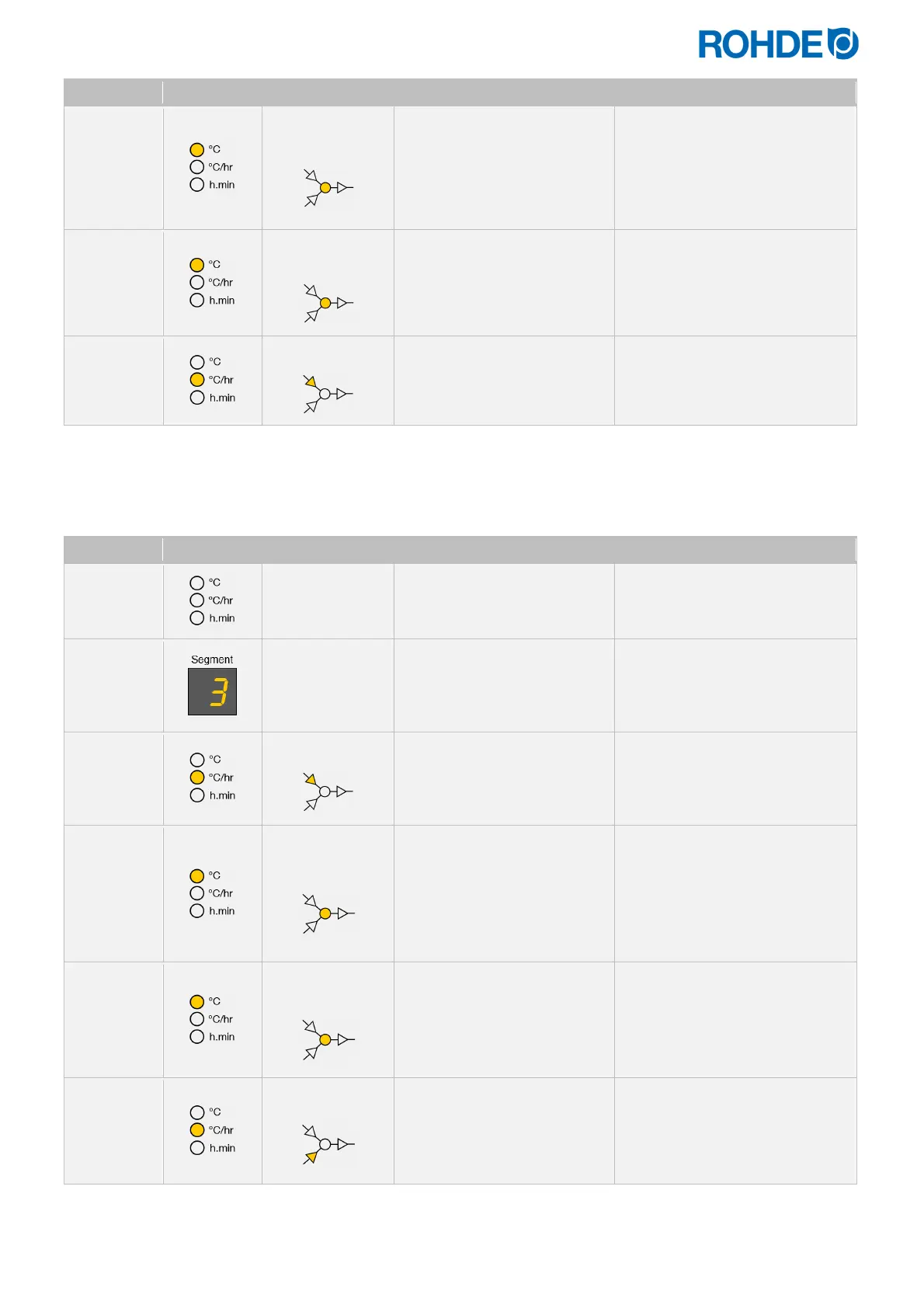
Display Icon Meaning Description Remark
600
Soak/Target
temperature
This can be altered with the
d
&
f
keys.
The temperature in the selected
segment is higher than in the
previous segment.
Soak/target temperature in
the previous segment (2) =
599°C
598
Soak/Target
temperature
The
f
key reduces the value,
and the
h
key makes the
display return to the ramp
rate.
150
Cooling ramp
A cooling ramp is now set in
the selected segment.
From here on, the segment can
be fully programmed as a cooling
ramp.
*The keys
d
or
f
can also be held down for faster input.
Changing a cooling ramp to a heating ramp:
Display Icon Meaning Description Remark
Pr. 1
Program number
Select the firing program that
is to be changed.
See Section 6.4.1.
3
Indicator in the
segment display
Select the segment with the
cooling ramp to be changed
into a heating ramp.
See Section 6.4.1.
150
Cooling ramp
Press the
g
key to switch to
the soak or target
temperature.
A cooling ramp is now set in the
selected segment.
599
Soak/Target
temperature
This can be altered with the
d
&
f
keys.
The temperature in the selected
segment is lower than in the
previous segment.
Soak/target temperature in
the previous segment (2) =
600°C
601
Soak/Target
temperature
The
d
key increases the
value, and the
h
key makes
the display return to the ramp
rate.
150
Heating ramp
A heating ramp is now set in
the selected segment.
From here on, the segment can
be fully programmed as a heating
ramp.
*The keys
d
or
f
can also be held down for faster input.


 To Next Page
 Loading...


