Chapter 10 Troubleshooting
95 Alpha 710ML User’s Guide
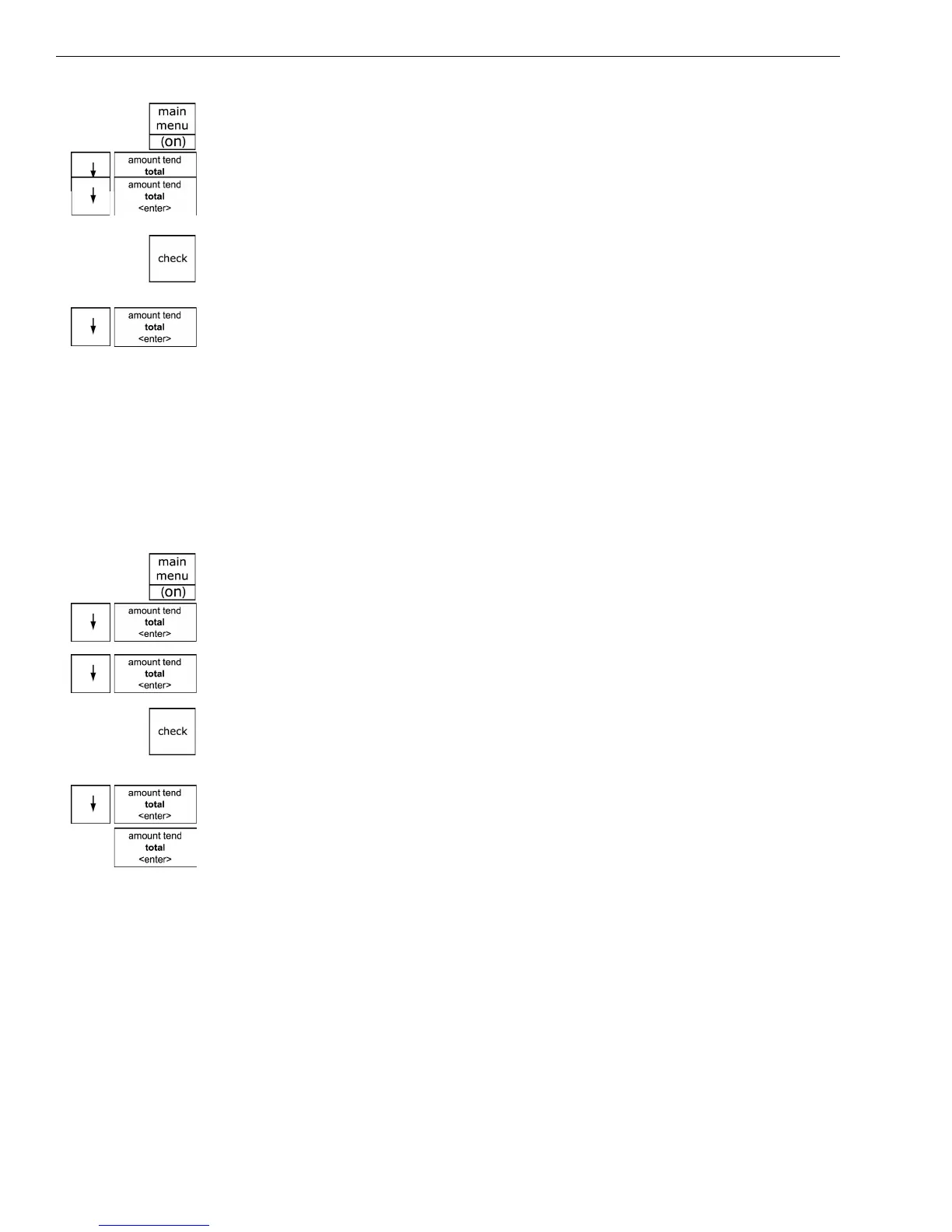
1 Press the Main menu (on) key.
2 Press the Arrow Down key to select Reports. Press the Amount Tend
Total <Enter> key.
3 Press the Arrow Down key to select Z Report. Press the Amount Tend
Total <Enter> key.
4 If you are prompted for a Manager Passcode, type the passcode number
and then press the Check key. If you did not program a Manager
Passcode, go to the next step.
5 Press the Arrow Down key to select Electr. Journal. Press the Amount
Tend Total <Enter> key.
6 Follow any instructions on the screen. The Electronic Journal record
prints and the Electronic Journal memory is cleared.
To manually reset the Electronic Journal memory without printing
Caution
This procedure cannot be undone. All information stored in the Electronic
Journal memory is permanently deleted and cannot be recovered.
ReportsZ ReportEJ Clear
1 Press the Main menu (on) key.
2 Press the Arrow Down key to select Reports. Press the Amount Tend
Total <Enter> key.
3 Press the Arrow Down key to select Z Report. Press the Amount Tend
Total <Enter> key.
4 If you are prompted for a Manager Passcode, type the passcode number
and then press the Check key. If you did not program a Manager
Passcode, go to the next step.
5 Press the Arrow Down key to select EJ Clear. Press the Amount Tend
Total <Enter> key. At the prompt, select Yes and press Amount Tend
Total <Enter> key.
The Electronic Journal memory is reset and all information stored in the
memory is erased. A verification prints that the Electronic Journal reset
and the memory is cleared.
The Cash Register Does Not Work at All
If the cash register does not respond except with an error:
• Make sure you are not in the middle of a sales transaction.



 To Next Page