Chapter 3 Getting To Know the Cash Register
11 Alpha 710ML User’s Guide
Lifting and Lowering the Customer Display
You can lift and lower the customer display so that customers can easily
see what is happening.
Adjusting the Clerk Display
Your cash register has a 5 line display for the operator. All lines shows
letters and numbers (alphanumeric).
You can adjust the angle of the clerk display to more easily see the screen.
To adjust the clerk display
1 Place your thumb at the bottom of the clerk display nearest the
keyboard.
2 Gently press down on the display. The display rotates within its track.
Do not force the display past the maximum position.
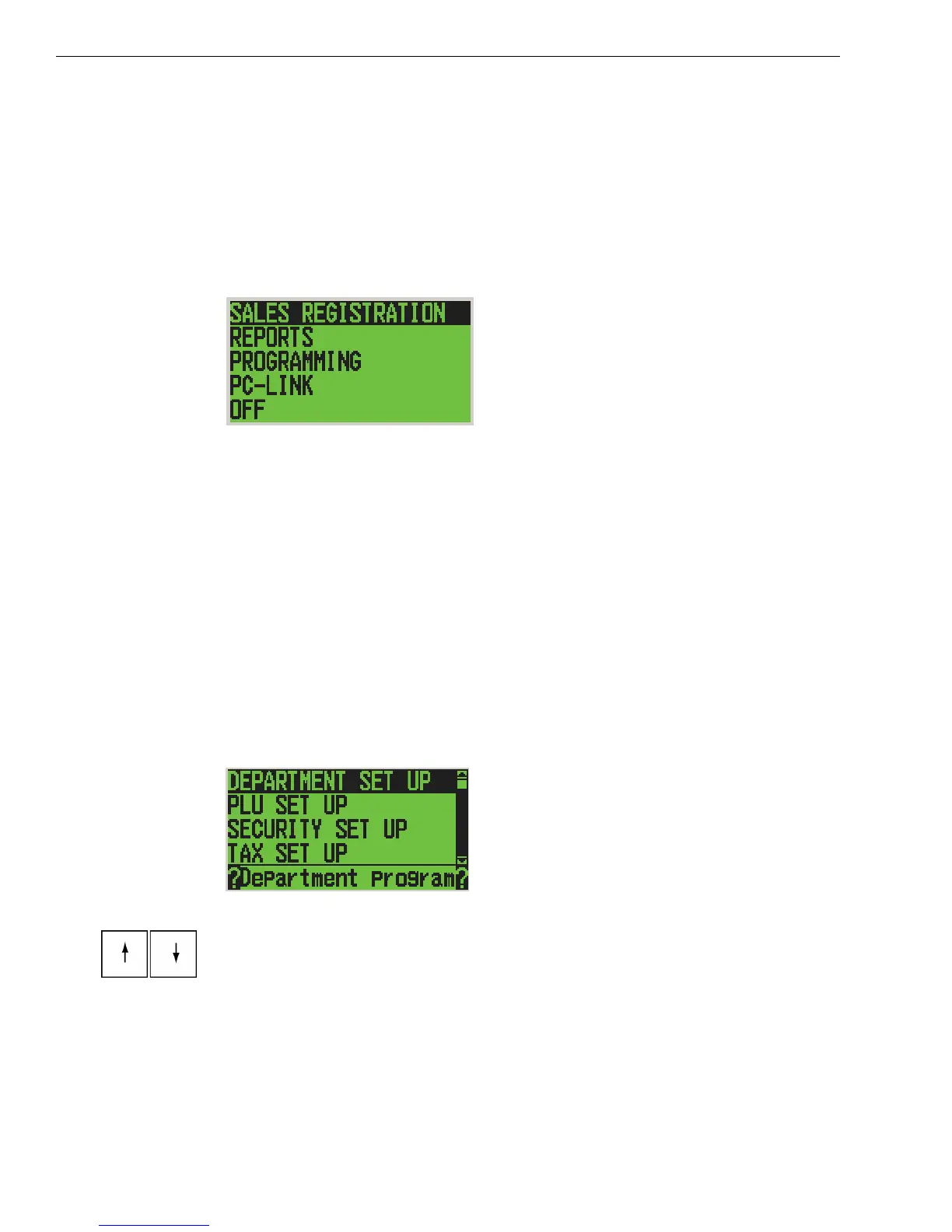
About the Menus on the Clerk Display
This cash register uses menus on the 5 line LCD clerk display to prompt
you through both programming and using the cash register. The 5 line
LCD clerk screen looks like:
The menu system prompts you through programming and sales. Always
follow the instructions on the screen. Refer to this manual for detailed
information about the options on the screen.



 To Next Page